

For account executives
Avoma records your calls, writes notes and follow-up emails, and updates the CRM. Ask Avoma pulls up details from past conversations when you need them.
Trusted by 1,000+ revenue teams · 4.8/5 on G2 · 14-day free trial, no credit card required
SHOW RATES
Reminders go out before each meeting, so fewer prospects ghost and your pipeline keeps moving.
Explore the product:

LIVE CALLS
Avoma records and transcribes every call, so you can listen closely and still catch every detail.
Explore the product:
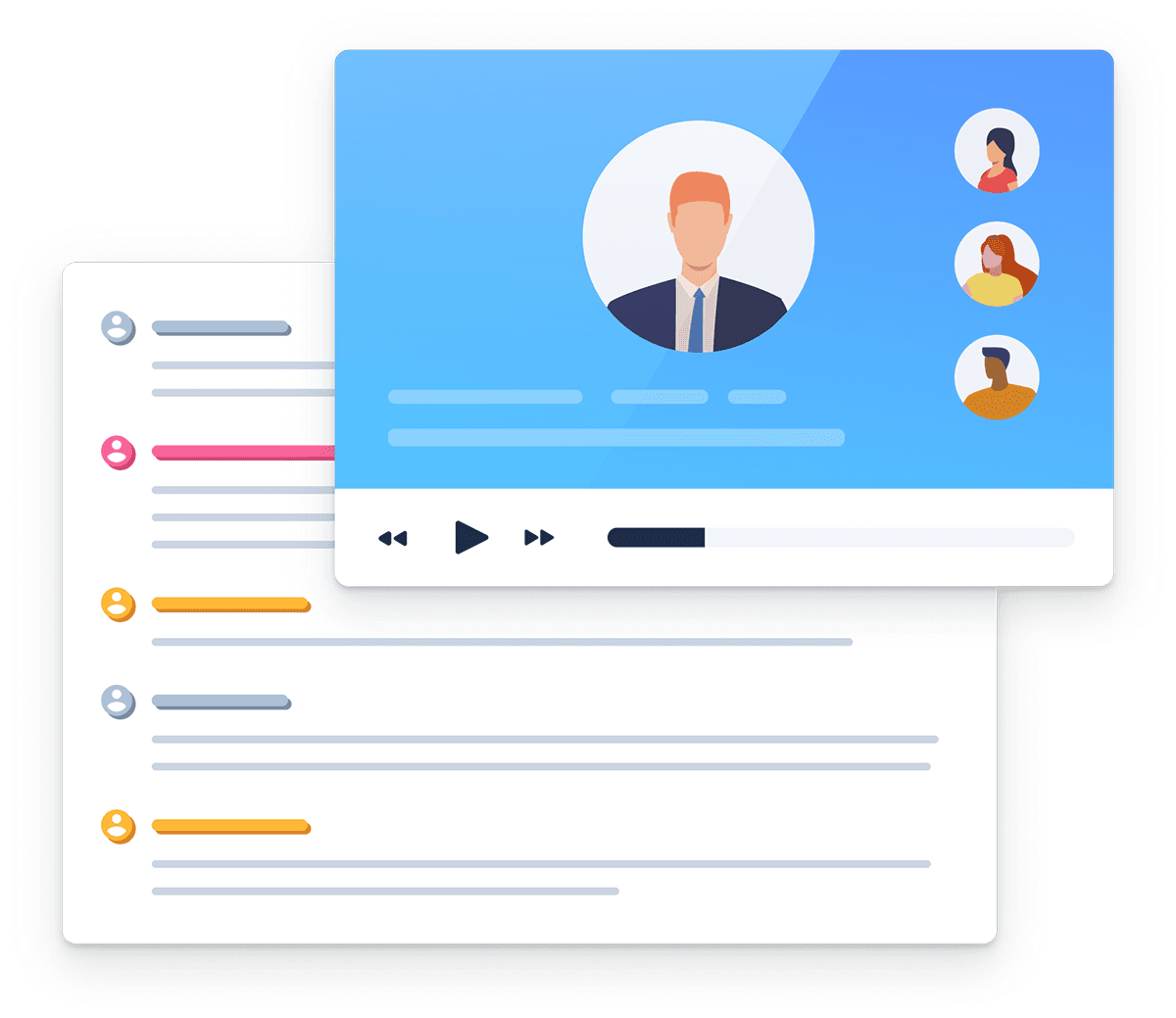
AFTER THE CALL
AI notes, follow-up emails, and CRM updates are ready after the call, so you spend less time on admin.
Explore the product:
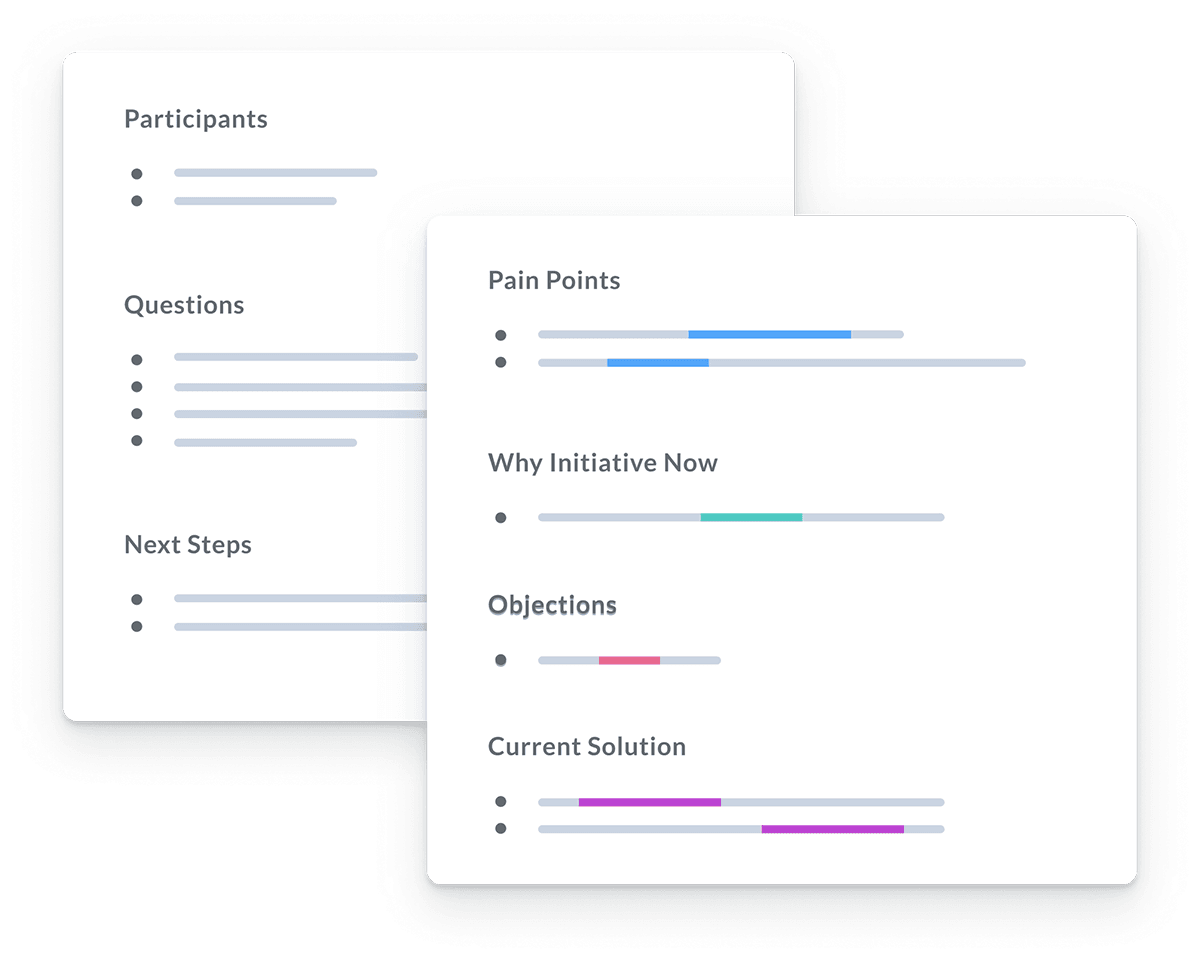
DEAL SUPPORT
Share the exact moment a buyer raised a request, so teammates can help without a long recap.
Explore the product:

4+ hrs
Saved per rep per week on CRM admin
89%
Reduction in post-call follow-up time
40%
Increase in win rates
2×
More qualified meetings booked
Avoma preps you from past calls, drafts follow-ups, updates the CRM, and flags deal risk. You spend your time with buyers, and every deal record stays complete and current.
Avoma follows the templates, CRM fields, and methodology your company sets. Your notes and follow-ups meet team standards without extra effort, and managers get consistent records from every AE.
Avoma lets you share exact buyer moments with managers, sales engineers, product, and marketing. Teammates hear the request or objection in context, so help comes faster with less back-and-forth.
Avoma joins your Zoom, Google Meet, or Teams calls, syncs notes to Salesforce or HubSpot, and answers deal questions through Ask Avoma. You keep your workflow, with nothing new to learn.
Have a question about your team's setup? Talk to our team.
Schedule a demo
Ask Avoma has completely changed the way I work. I can instantly reference key details from past calls during live conversations, like team size or purchase timeline, ensuring I can recall every detail.
Pedro Pizarro
Enterprise Account Executive at Directus
Avoma is very easy to use and provides everything I need (pre and post-call) to perform a solid sales cycle.
Adam R.
Senior Account Executive
I use Avoma for recording and reviewing sales calls, and it's very seamless with high reliability
Zaid.M
Enterprise AE
Does Avoma join my calls automatically?
Yes. Once you connect Google Calendar or Outlook, Avoma joins scheduled Zoom, Google Meet, and Microsoft Teams calls and records and transcribes them. Calls from connected dialers are recorded too, and the Avoma mobile app records in-person meetings.
Can Avoma write my follow-up emails?
Yes. Avoma drafts a follow-up email from the meeting conversation using templates like Discovery Recap, Demo Recap, or Pricing Recap. You review, edit, and send it through Gmail or Outlook. See meeting follow-up software.
Will Avoma update my CRM after calls?
Yes. AI notes save to the right CRM record on every plan, and Avoma integrates with Salesforce, HubSpot, Pipedrive, Zoho, Copper, and Zendesk Sell. With the Revenue Intelligence add-on, Avoma also updates CRM fields two-way. See CRM data entry software.
Can I look up details from past calls?
Yes. Ask Avoma answers questions about your conversations, such as a prospect's team size or purchase timeline, with links back to the source calls. Every plan includes Ask Avoma for individual meetings; asking across accounts and deals requires the Enterprise plan or an add-on.
Can I try Avoma before my company buys it?
Yes. The 14-day free trial includes the Organization plan with every add-on, and no credit card is required. When the trial ends, the account switches to viewer access and your past recordings stay available. When your company buys, every recording user goes on the same plan.
How much does Avoma cost per rep?
The Startup plan costs $19 per recording seat per month billed annually ($29 monthly), and Organization costs $29 ($39 monthly). Coaching and deal features are add-ons at $29 per seat per month. You can try everything free for 14 days without a credit card. See Avoma pricing.


