
9 Best conversation intelligence software in 2026

Table of Contents:
.webp)
Conversation intelligence software has become central to how modern sales teams coach reps, track objections, and spot deal risks. Instead of relying on guesswork, gut feel or scattered call notes, sales teams now use AI to analyze every customer interaction and turn it into actionable insights.
We have reviewed 9 conversation intelligence software that are taking center stage in 2026. These tools are helping sales teams close more deals by understanding what’s happening in their pipeline, from the first call to final handoff.
How we chose the best conversation intelligence software
We selected these platforms based on the following:
- Quality and accuracy of AI insights
- Call recording and transcription features
- Coaching and scoring functionality
- CRM and sales tool integrations
- Price transparency and user feedback
What is the best conversation intelligence software in 2026?
Which is the best conversation intelligence software for you?
Here’s our hand-picked list of the best conversation intelligence tools in 2026, each with strengths suited for different team sizes and sales workflows.
Comparing CI vendors? Download our free, interactive Vendor Evaluation Scoring Sheet to make the right choice
1. Avoma
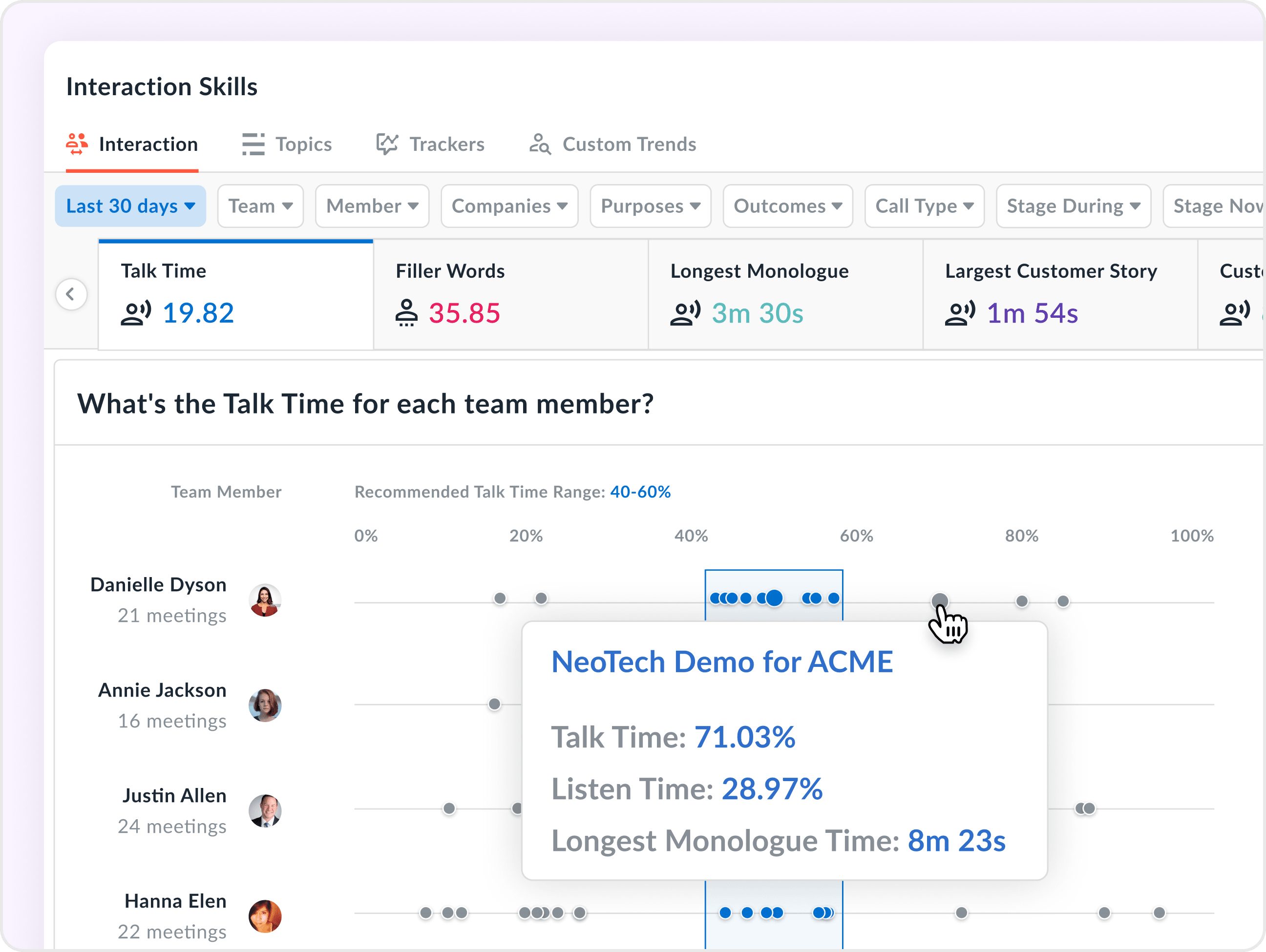
Avoma is a conversation intelligence platform that supports sales meeting lifecycle—from recording and real-time sales coaching to automated call scoring and actionable insights. It equips teams with the tools to analyze call performance, detect deal risks, and accelerate ramp time without manual effort.
Features
- Live answer assistant: Real-time answer cards to help reps navigate objections and FAQs during live calls
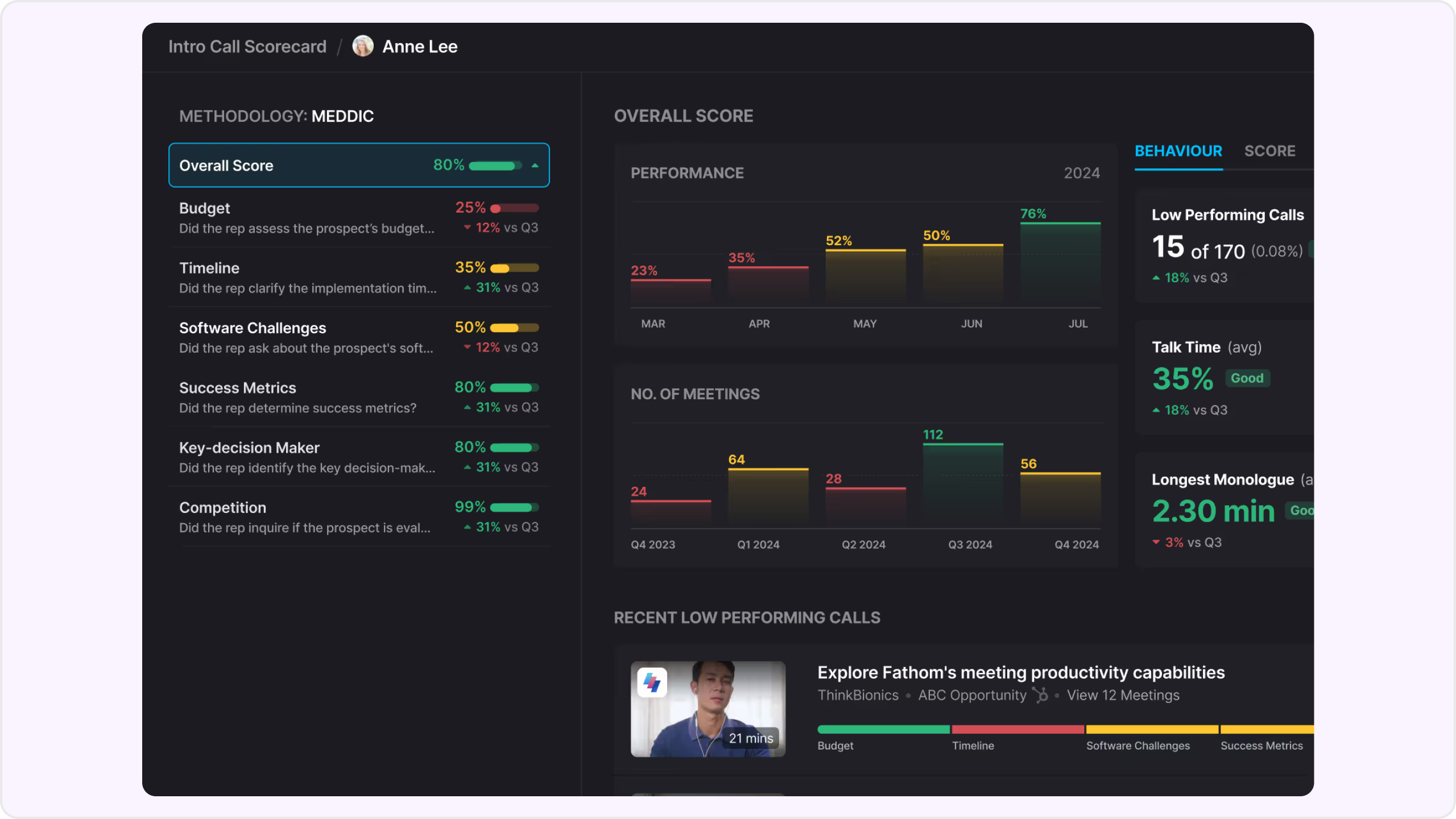
- AI call scoring: Automatically score sales calls using customizable scorecards; supports methodologies like MEDDIC and SPICED
- Talk-pattern and topic intelligence: Analyze talk ratios, objection handling, and time spent across different conversation topics
- Smart trackers and alerts: Track deal risks, churn signals, and product mentions using phrase-based alerts delivered via Slack or email
- Meeting intelligence: Insights into filler words, monologues, and engagement balance across reps
- Playlists and live bookmarking: Curate call recordings and tag key moments for training or feedback
- Seamless integrations: Works across Zoom, Google Meet, Teams, Salesforce, HubSpot, Slack, and more

Pros
- Full conversation coverage with coaching automation
- Highly customizable scorecards and smart trackers
- Instant notes immediately after calls
- Real-time answer cards and objection handling during calls
- Affordable, add-on pricing for Conversation Intelligence
Cons
- Best suited for teams—not ideal for individuals or academic use
Pricing
- Free trial: No credit card required
- Conversation intelligence add-on: $29/user/month (billed annually)
- Additional add-ons available for revenue intelligence and lead routing
2. Jiminny
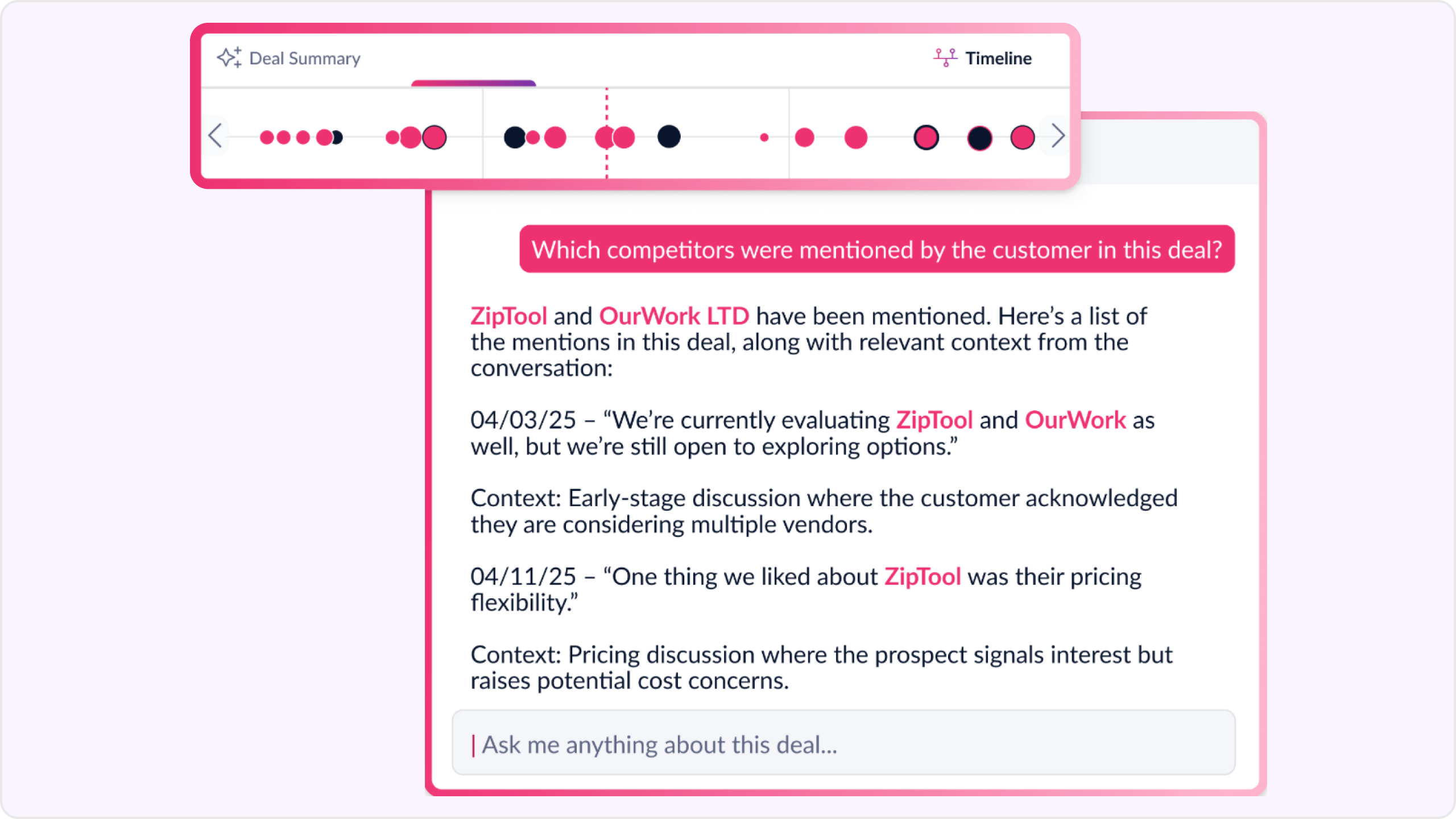
Jiminny uses conversation intelligence to help sales teams see what’s working in calls, spot deal risks, and track performance metrics. It integrates with your CRM to surface insights without disrupting your existing workflows.
Features
- Call and deal summaries: AI-generated next steps, objections, and outcomes for every call
- CRM logging: Auto-syncs call transcripts, summaries, and insights into CRMs
- Deal risk alerts: Flags stalled deals, missing next steps, or pipeline risks
- Rep performance insights: Tracks talk ratios, engagement trends, and coaching effectiveness
- Ask Jiminny (AI assistant): Search across calls to find patterns or key conversation themes
- Multi-language support: Transcriptions supported in 60+ languages

Pros
- Easy coaching workflows based on real call data
- Real-time risk visibility across deals
- Searchable transcripts with rep and team-level insights
Cons
- No real-time objection handling or battle cards during calls
- Limited customization of analytics dashboards
- No live talk-time or monologue feedback
- Setup required for risk alerts and keyword trackers
Pricing
- 14-day free trial available
- Paid tiers: Capture, Scale, and Grow plans (pricing on request)
3. Chorus by ZoomInfo
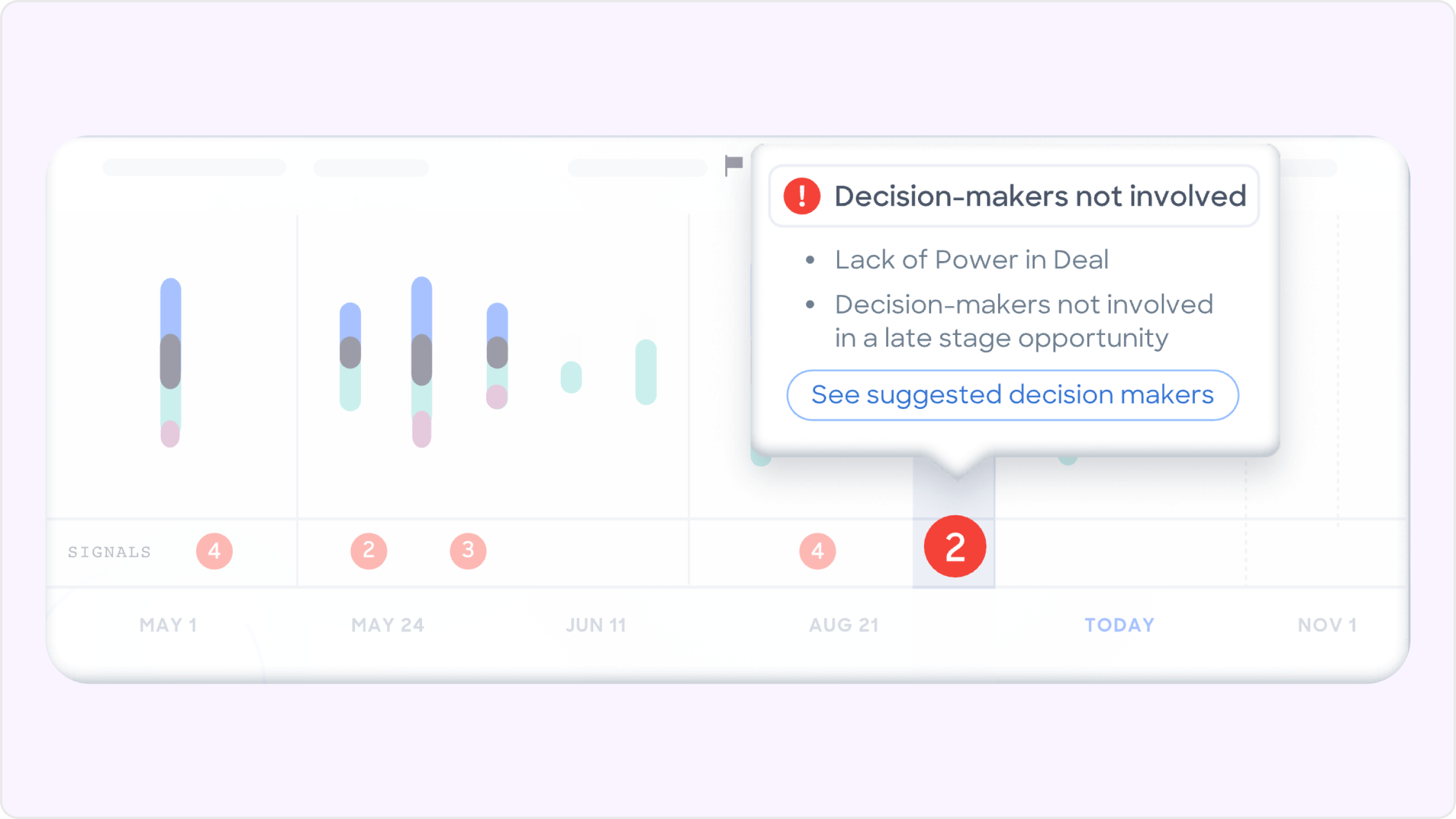
Chorus delivers conversation intelligence by analyzing sales calls and meetings to uncover coaching opportunities, track deal risks, and improve rep performance. It's part of the ZoomInfo platform, making it ideal for teams already using ZoomInfo’s GTM tools.
Features
- Call recording and transcription: Automatically captures calls and makes them searchable
- Talk-pattern insights: Tracks keywords, competitor mentions, objections, and more
- Custom AI scorecards: Score and evaluate rep performance against your sales methodology
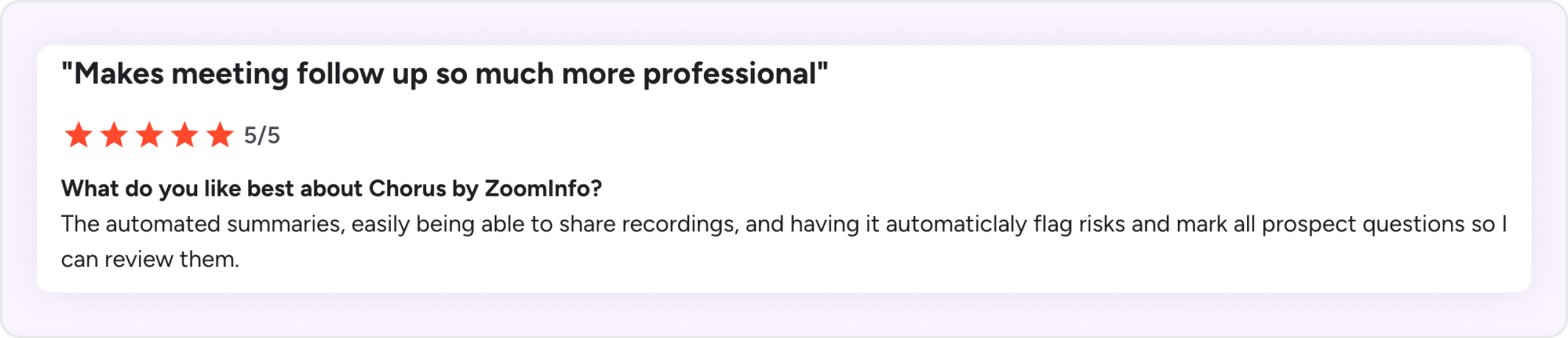
- AI-powered call scoring: Highlights key call moments for post-call review
- Coaching analytics: Surfaces what worked, what didn’t, and suggestions for rep improvement
Pros
- Seamless integration with ZoomInfo’s GTM platform
- Strong post-call insights and conversation analytics
- Scalable for enterprise-level sales teams
Cons
- No live answer assistant or real-time in-call guidance
- No support for live call shadowing
- AI call scoring suggests moments but still needs manual scoring
- Smart trackers are keyword-based and require manual configuration
- Tracker dashboard lacks granular insights
Pricing
- Not publicly listed
4. Observe.AI
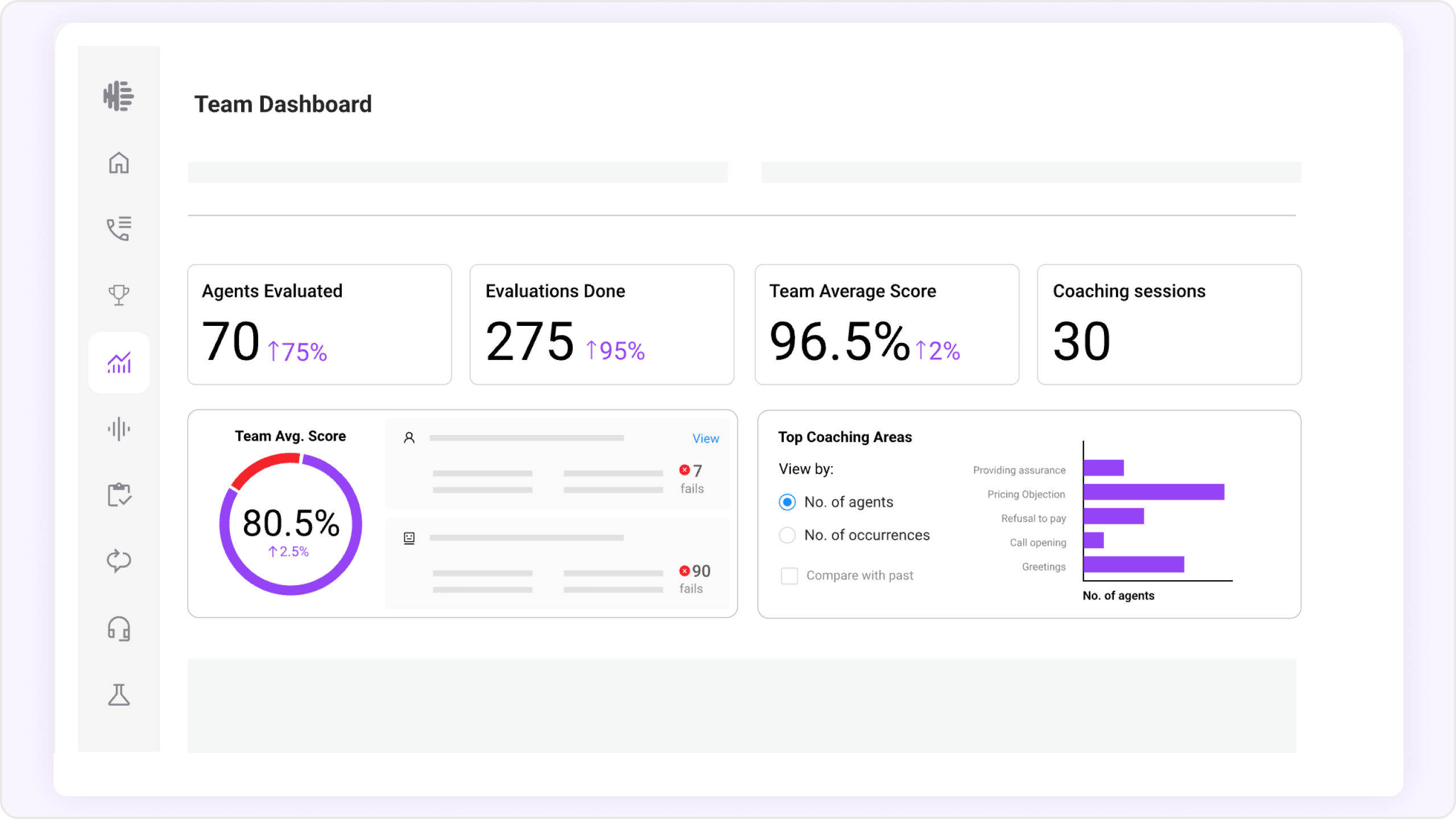
Observe.AI offers real-time assist, auto QA, and customizable “Moments” tracking. It helps enterprises improve compliance, agent coaching, and customer experience.
Features
- Live agent assist: Real-time guidance, scripts, and next-best actions for agents during calls
- Auto QA: AI-powered quality assurance
- Conversation enrichment: Adds sentiment, intent, and topic detection to transcripts
- AI summaries: Structured post-call summaries for faster after-call work
- Moments tracking: Flags events such as objections, compliance gaps, or competitor mentions
- Omnichannel coverage: Supports voice, chat, email, SMS, and screen recording
- VoiceAI agents: AI agents that handle customer conversations with customizable tone and logic
Pros
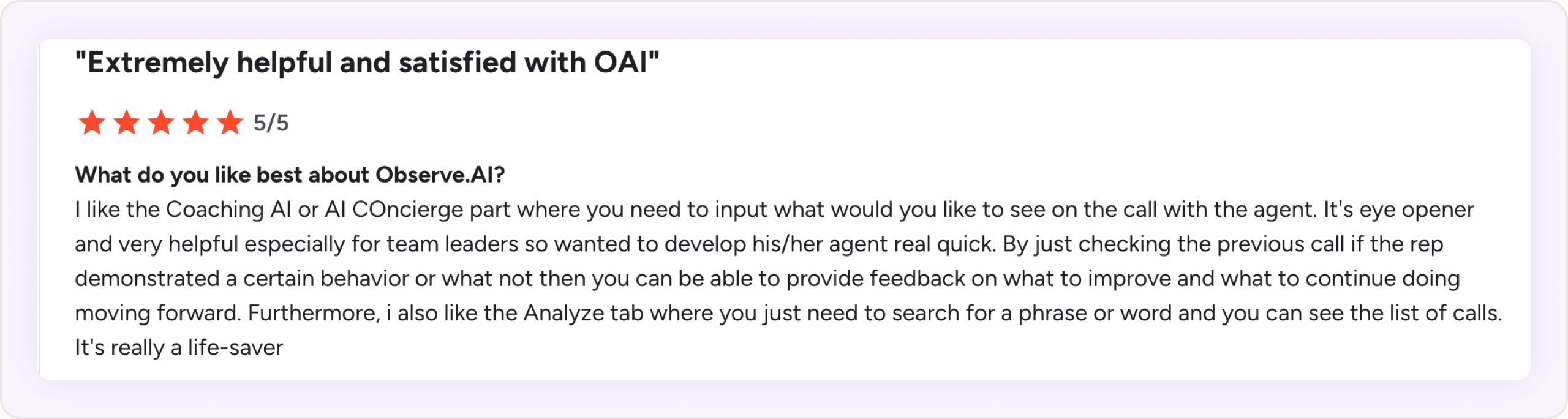
- Real-time agent guidance improves performance on live calls
- QA automation covers every interaction instead of random samples
- Strong compliance and risk detection
- Works across multiple communication channels (voice + digital)
Cons
- Geared more toward contact centers than pure sales use cases
- Setup needed for advanced features like Moments and AI customization
Pricing
- Not publicly listed
5. Fireflies
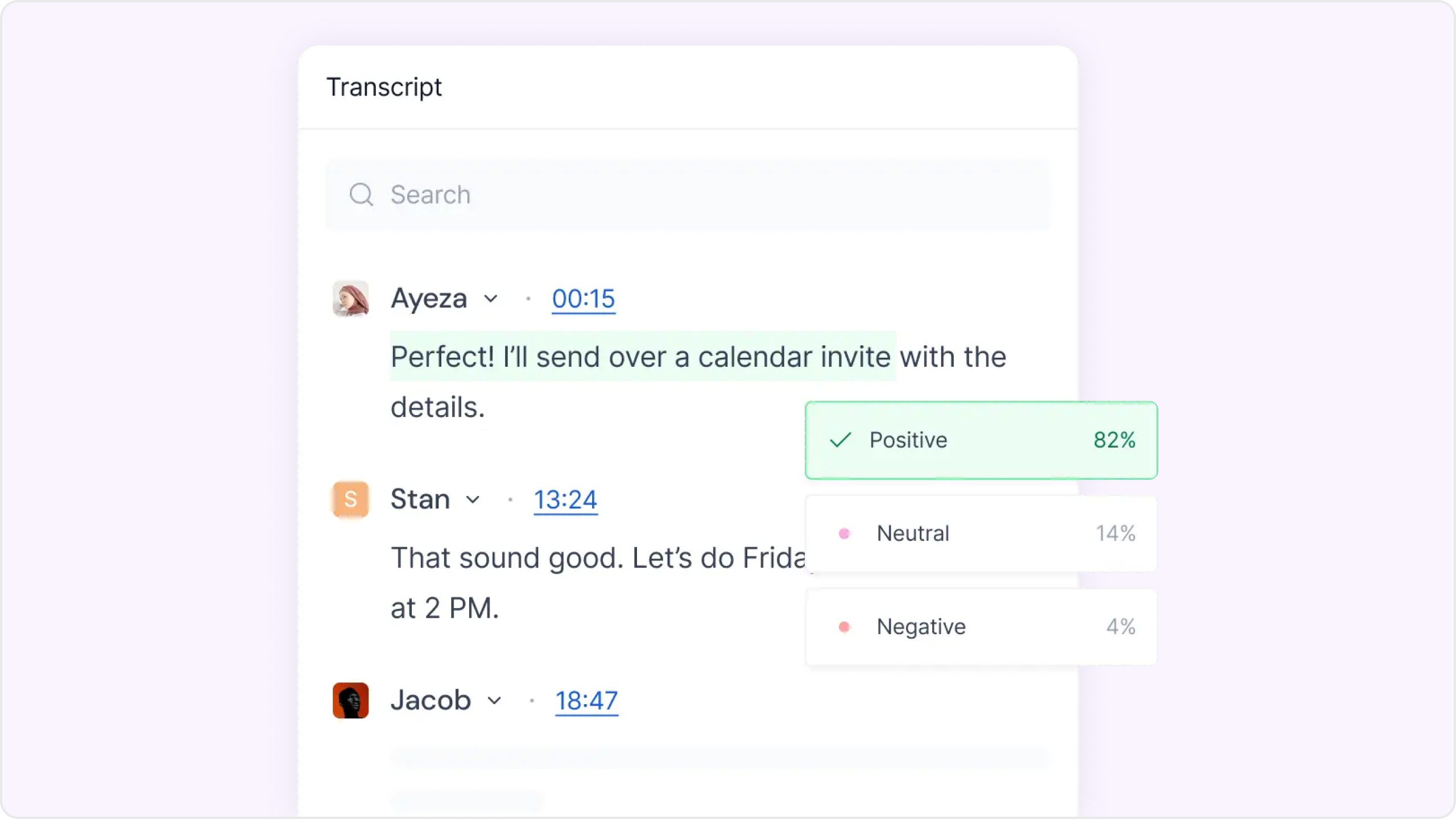
Fireflies surfaces insights from sales conversations by analyzing speakers, topics, sentiment, and talk‑patterns. It shows metrics like filler words, longest monologues, and talk‑to‑listen ratio so you can coach based on what reps actually say.
Features
- Transcription and summaries: Records and transcribes meetings in 100+ languages with smart summaries
- Speaker and talk-pattern analysis: Tracks talk-to-listen ratio, monologues, filler words, and more
- Keyword-based Smart Trackers: Flags key topics like objections, pricing, and competitor mentions
- Sentiment detection: Analyzes sentiment at both speaker and conversation level
- CRM and app integrations: Connects with Zoom, HubSpot, Salesforce, and other popular tools
Pros
- Supports talk-pattern insights for coaching
- Keyword-based Smart Trackers for key topics
- Conversation summaries and transcripts for review
- Broad integration support
Cons
- No built-in coaching recommendations
- Lacks customizable or automated call scoring
- Trackers rely on exact keyword matching
- No concept-level tracking or methodology scorecards
Pricing
- Free plan available
- Paid plans start at $18/user/month
6.Gong
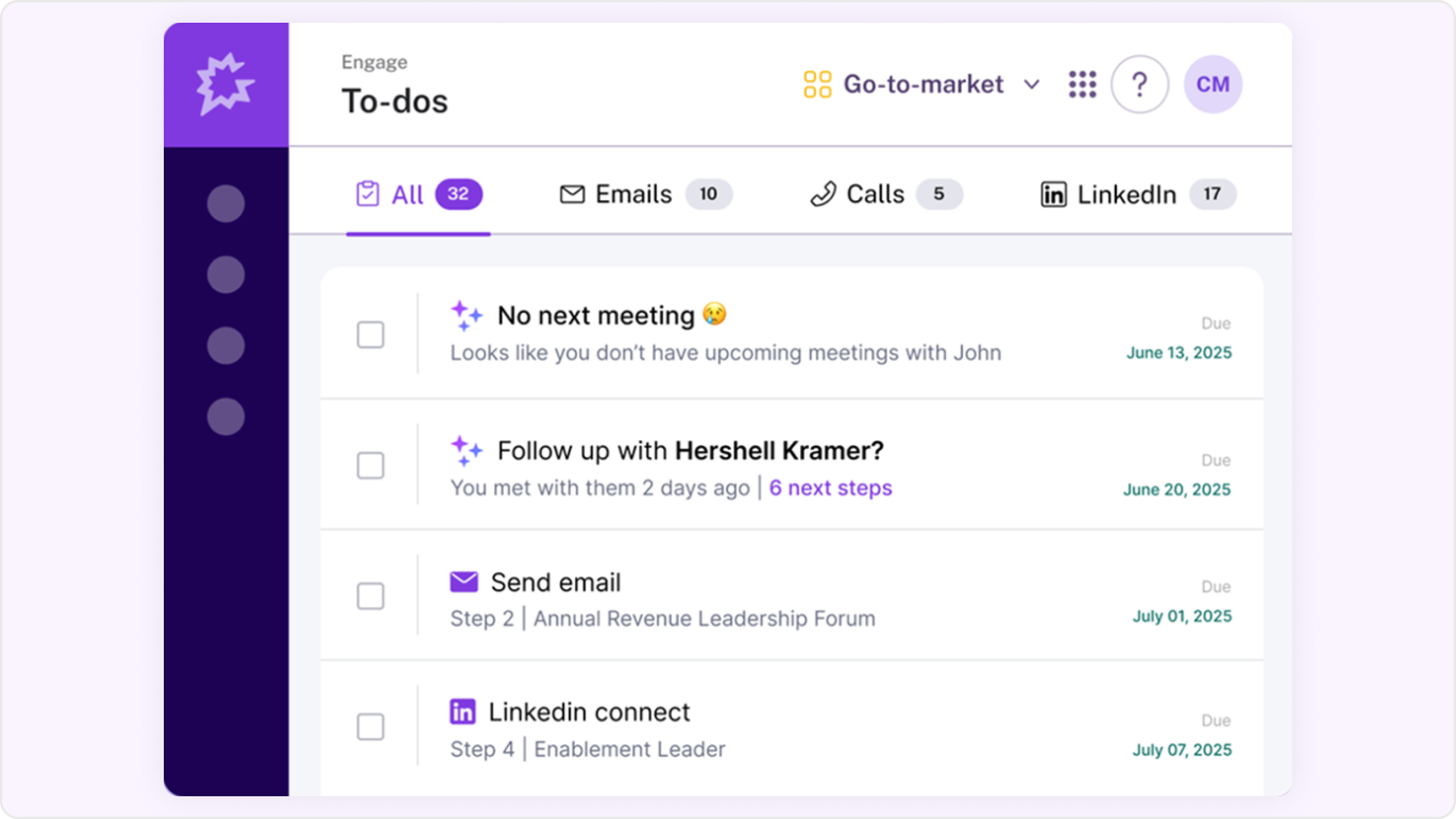
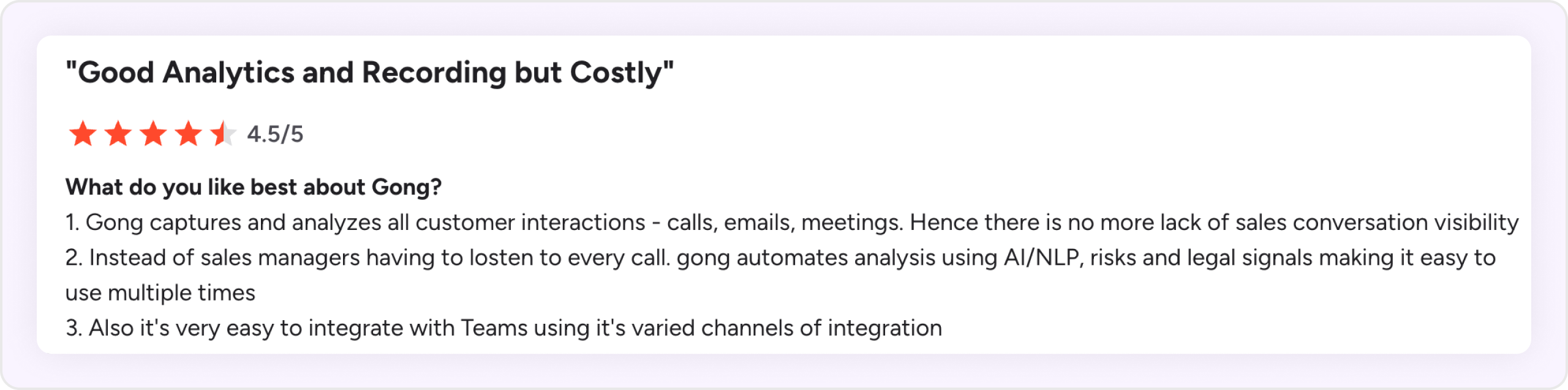
Gong applies conversation intelligence to surface what’s working in sales calls, where deals stall, and how rep behavior correlates with outcomes.
Features
- AI-powered call scoring: AI-suggested or automatic scoring based on criteria you define
- Talk-pattern analysis: Tracks talk ratios, questions asked, filler words, and more
- Sales methodology summaries: Captures MEDDIC-style insights per deal
- Smart trackers: Tracks strategic themes like objections or competitors
- Coaching dashboards: Trends, rep comparisons, and coaching performance
Pros
- Automated or suggested call scoring saves review time
- Tracks key objections, competitor mentions, and other signals
- Strong coaching insights with engagement and talk data
Cons
- No customizable Answer Cards or real-time coaching cues
- Smart tracker dashboard shows only high-level metrics
- Sales methodology insights lack scoring functionality
- Custom scorecards require manual setup and configuration
Pricing
- Custom pricing—available on request
- Conversation Intelligence is part of the full Gong platform suite
7. Grain
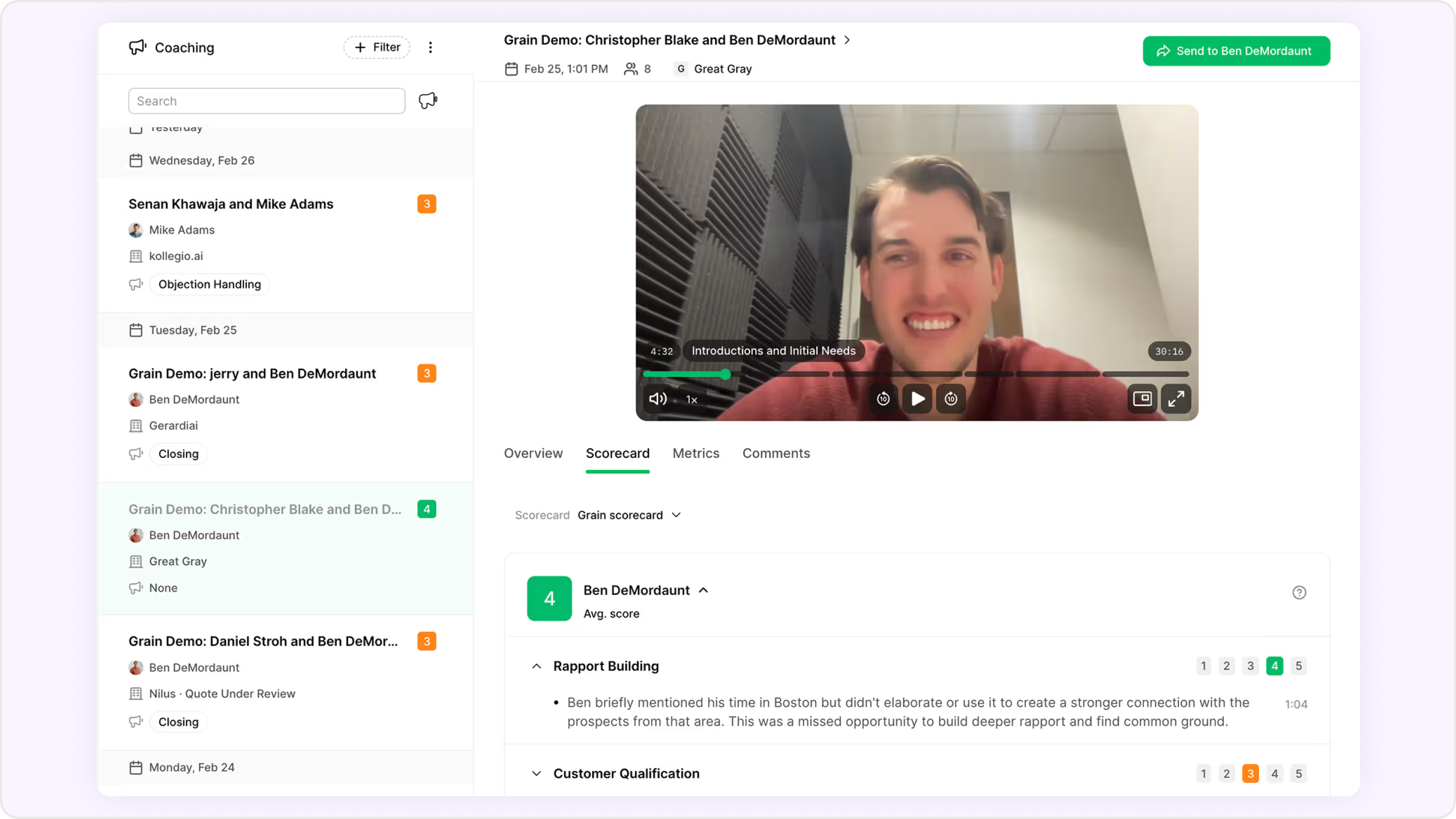
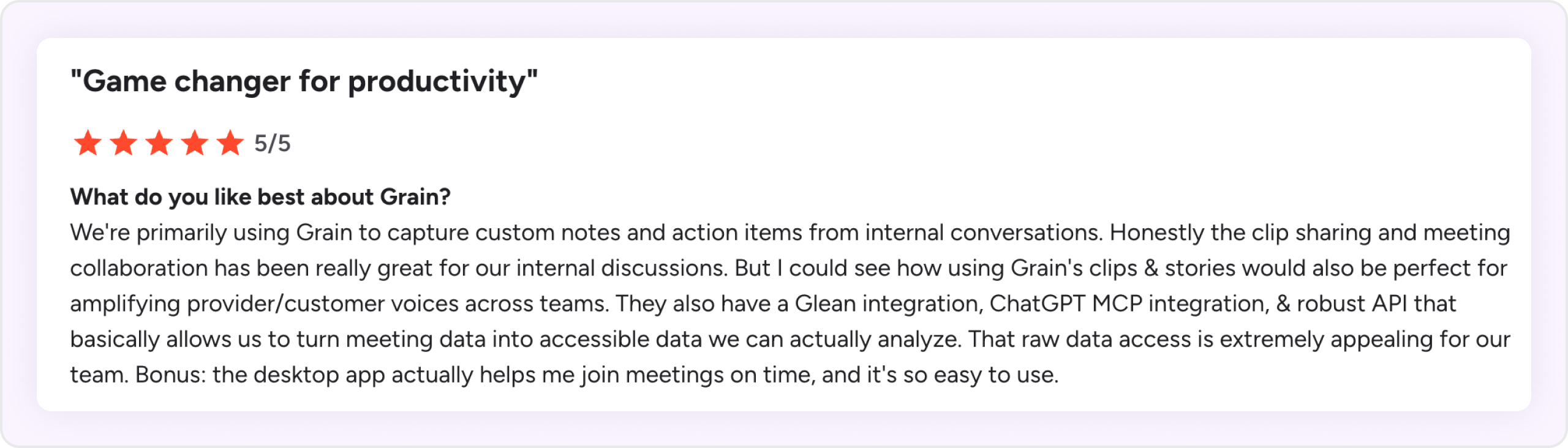
Grain delivers lightweight conversation intelligence by capturing customer meetings, auto‑summarizing transcripts, and letting teams create shareable video highlights.
Features
- AI-generated summaries: Automatically generates meeting notes with key moments, pain points, and next steps
- Customizable templates: Supports reusable, pre-built note formats tailored to different meeting types
- Video highlights: Lets users clip and share important moments from calls for async updates
- Searchable transcript library: Allows quick retrieval of past meetings using keywords
Basic talk metrics: Tracks talk time, filler words, and interactivity levels
Pros
- Shareable video clips and async highlights
- Custom meeting templates for structured summaries
- Clean, easy-to-use interface with fast onboarding
- Useful metrics like talk time
Cons
- No AI-powered call scoring
- No real-time coaching tools or live call shadowing
- Keyword tracking only—no concept-level detection
- CRM integrations are basic and not field-customizable
- Doesn’t support sales methodology scorecards (e.g. MEDDIC, SPICED)
- No central coaching dashboard for trend or rep-level analysis
Pricing
- Free plan available with basic features
- Paid plans starting at $15/user/mont
8. Clari
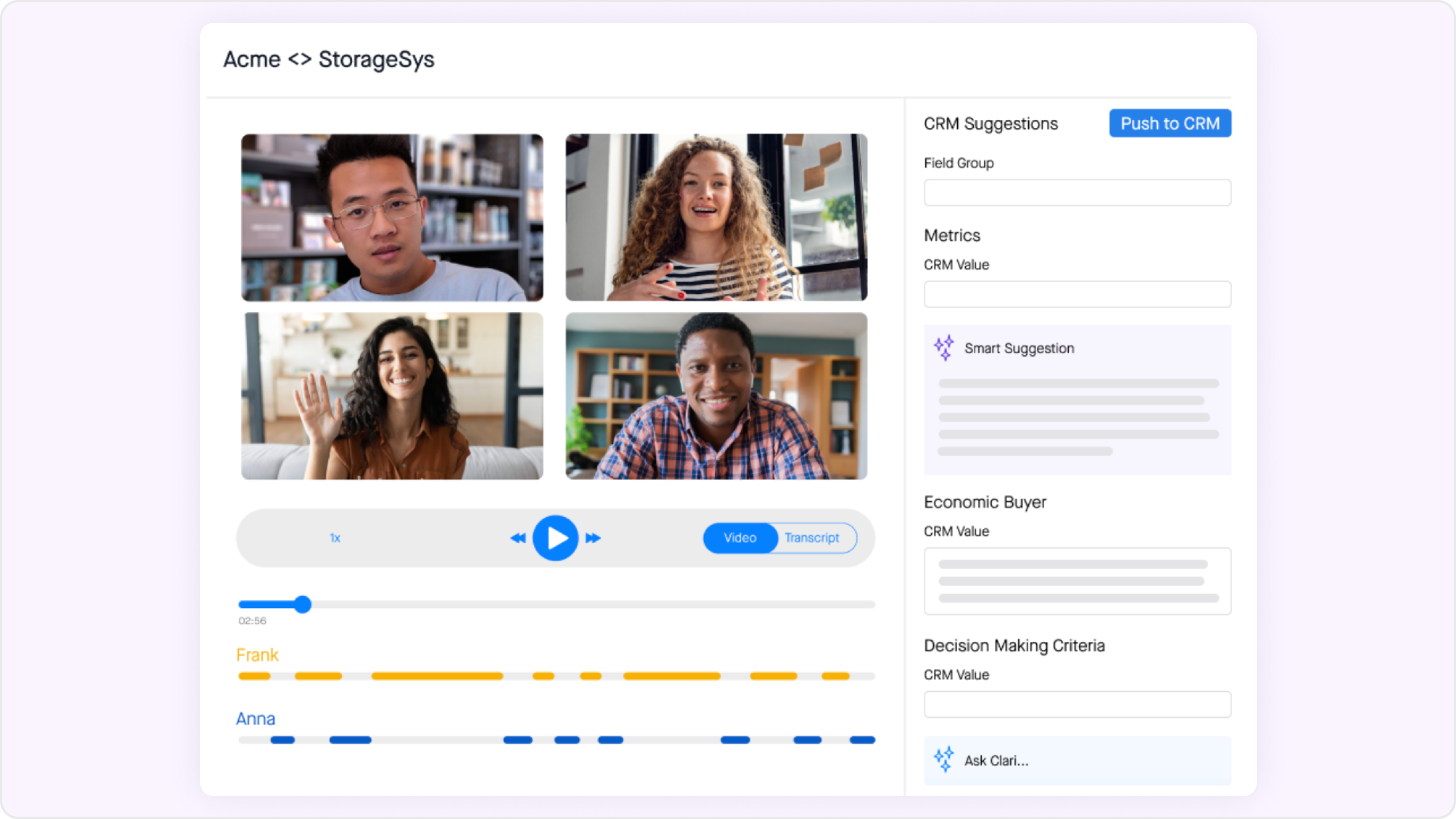
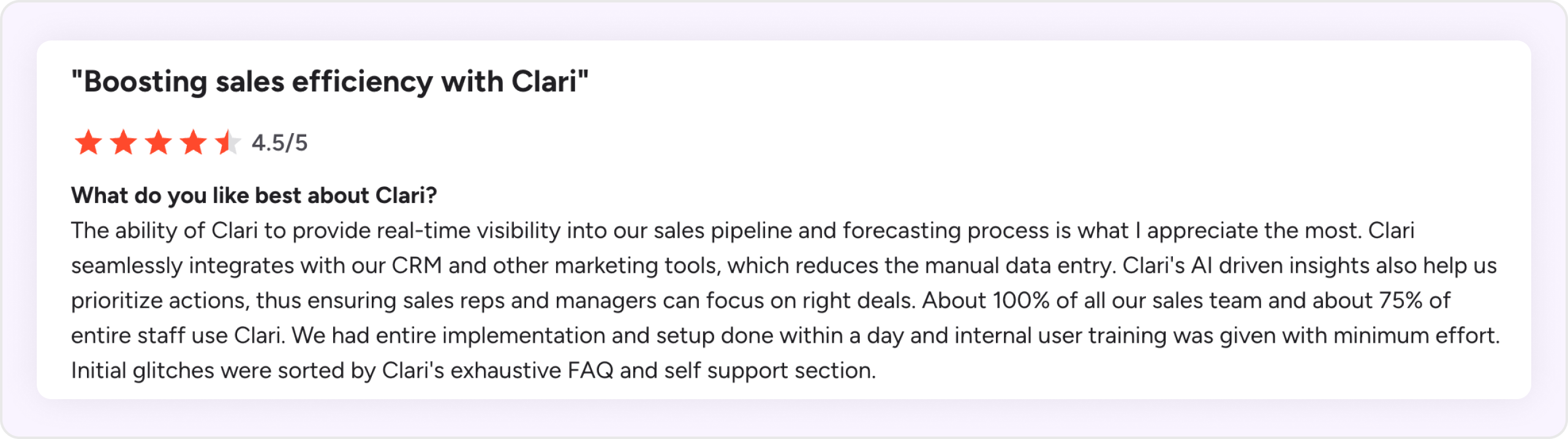
Clari’s conversation intelligence (Copilot) helps sales teams extract insights from customer calls, coach reps with structured scorecards, and track objection patterns across conversations. It combines transcription, talk analytics, and smart prompts to support rep performance at scale.
Features
- Live answer assistant: Real-time cue cards guide reps during calls
- Talk-pattern insights: Tracks talk ratios, objections, and topic trends
- AI call scoring & custom scorecards: Fully customizable scoring aligned to sales methodology
- Sales methodology support: Applies frameworks like MEDDIC and SPICED to assess deals
- Smart concept trackers: Monitors recurring ideas or phrases across meetings
Pros
- Customizable scorecards aligned to your sales process
- Strong talk-pattern analysis for call coaching
- Real-time rep prompts via answer assistant
- Tracks objection and competitor mentions across deals
Cons
- No real-time call shadowing
- Coaching recommendations limited to talk metrics
- Sales methodology scoring requires manual setup
- Live prompts need manual configuration
Pricing
- Contact sales
9. Fathom
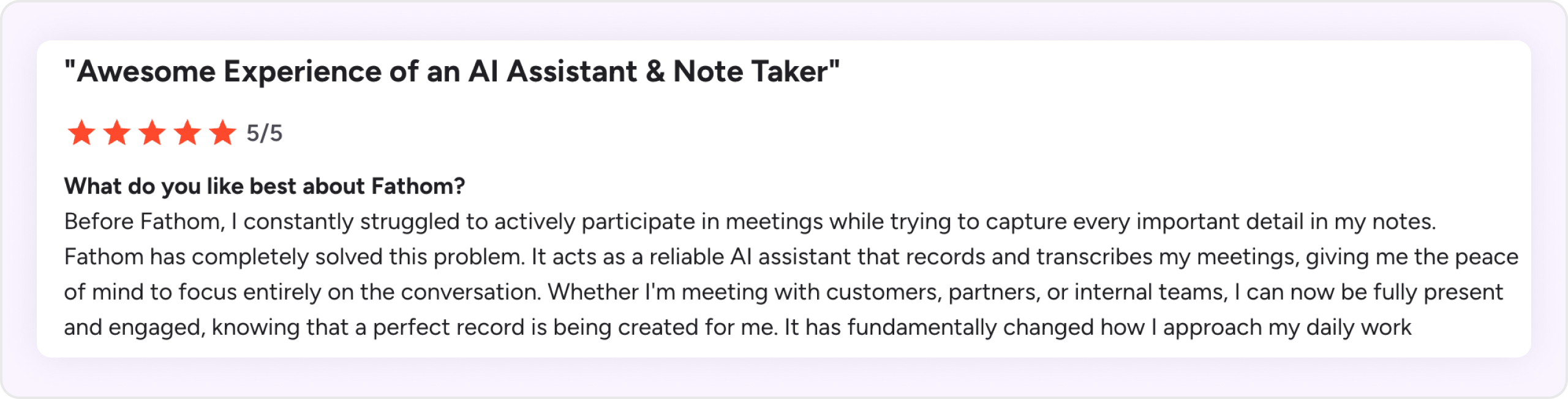
Fathom captures recorded conversations to extract key moments and generate AI summaries post-call. It allows teams to track specific keywords, search across transcripts, and sync call notes to CRM.
Features
- AI-generated summaries: Automatically captures key points, questions, action items, and next steps
- Keyword tracking & alerts: Get notified when specific terms are mentioned across calls
- Global search & playlists: Search past meetings, tag teammates, and create shareable call libraries
- CRM sync: Pushes meeting summaries to Salesforce, HubSpot, Slack, and more
- Scorecards & coaching: Performance metrics and AI call scoring included in paid plans
Pros
- Searchable call history and highlight reels
- Summaries with action items and follow-up steps
- Native CRM sync
Cons
- No real-time transcription during live calls
- Real-time coaching limited to talk-time alerts
- AI scorecards only in paid tiers
- Summary customization limited in lower plans
- Doesn’t support uploading external recordings
Pricing
- Free: Unlimited recordings, summaries, and integrations
- Team / Business plans: Includes templates, scorecards, alerts, and CRM sync (contact sales)
Evaluating tools on this list? See why revenue teams choose Avoma to automate CRM data entry, score sales calls, and surface real-time battlecards. Explore Avoma's Conversation Intelligence Platform.
How to choose the right conversation intelligence software
Think of what your team needs today and how you expect those needs to change as you grow.
Instead of comparing vendors feature by feature, start with your requirements. Then evaluate each platform across four areas: Ease of use, product capabilities, pricing, and scalability.
1. Ease of use
A conversation intelligence platform only delivers value if people actually use it. Look at how easily reps can record and review conversations, find notes and insights, and fit the software into their existing workflows. For managers and admins, consider how much effort it takes to configure and maintain the platform.
Questions to ask:
- How long does implementation take?
- How much training will reps and managers need?
- Is it easy to find recordings, transcripts, notes, and insights?
- Does the platform require a dedicated administrator?
- How much technical configuration is required?
- Does it fit into the workflows your team already uses?
2. Product capabilities
Don't start by asking which platform has the most features. Start with the problems you need it to solve.
A team looking primarily for call recording, transcription, and AI notes will have different requirements from one that also needs sales coaching, methodology-based scoring, deal intelligence, CRM automation, or revenue analytics.
Questions to ask:
- Do you need real-time coaching, post-call insights, or both?
- Do reps need live answer cards or other in-call assistance?
- Can managers build scorecards and coach reps using actual conversations?
- Can calls be evaluated against methodologies such as MEDDIC, SPICED, or BANT?
- How deep are its conversation, coaching, and revenue analytics?
- Does it integrate natively with your CRM and other sales tools?
- Can meeting notes, activities, and insights automatically sync to the CRM?
- Can you customize scorecards, topics, workflows, and other functionality?
- Does it meet your security, privacy, and compliance requirements?
Separate your requirements into must-haves, nice-to-haves, and capabilities you may need later. This makes it easier to avoid paying for an impressive feature list that doesn't solve your actual problems.
3. Pricing
Don't compare conversation intelligence platforms based only on their advertised per-user price. Compare what you'll actually pay for the users and capabilities you need.
Some vendors bundle functionality, while others charge separately for different products, advanced features, user types, implementation, or support.
Questions to ask:
- What will the platform actually cost for your team size?
- Which capabilities are included and which require add-ons?
- Is there a free trial or another way to evaluate the product before buying?
- Are annual contracts required?
- Do managers, collaborators, or view-only users require paid licenses?
- Are there implementation, support, platform, or maintenance fees?
- How will your costs change as you add users or capabilities?
The better comparison is total cost of ownership, not simply the lowest starting price.
4. Scalability
Think beyond the problem you're solving today.
You might initially need recording, transcription, and AI notes. Later, sales managers may need coaching and scorecards, RevOps may need CRM automation and pipeline insights, and Customer Success or other teams may want to use customer conversations.
Evaluate whether the platform can accommodate those requirements without forcing you to add several more tools or replace the platform as you grow.
Questions to ask:
- Can the platform support your team as you move from tens to hundreds or thousands of users?
- Can additional teams use the platform for their own workflows?
- Does it support collaboration across Sales, Customer Success, RevOps, Marketing, and other teams?
- Does it provide the permissions, administration, security, and governance larger organizations require?
- How extensive is its integration ecosystem?
- How does pricing change as adoption grows?
- Can you add more advanced capabilities without moving to another platform?
Put your requirements into a scorecard
These four areas won't carry the same weight for every company.
A smaller sales team might prioritize ease of use, core capabilities, and predictable pricing. A larger revenue organization might give more weight to CRM integration, administration, security, analytics, and cross-functional scalability.
That's why we've created an Interactive Vendor Evaluation Scoring Sheet you can use while evaluating conversation intelligence platforms.
Use it to:
- Compare up to three vendors side by side.
- Identify which capabilities each vendor supports.
- Assign each requirement a High, Medium, or Low priority.
- Score the strength of each vendor's capabilities on a 0–5 scale.
- Compare the results based on the requirements that matter most to your team.
Keep the sheet open during product demos and trials so you're evaluating every vendor against the same requirements rather than relying on individual demos or feature lists.
The final score shouldn't make the decision for you. It should make the trade-offs clearer and help you identify which conversation intelligence platform best matches your priorities.
Final thoughts
Choose a conversation intelligence software that aligns with your team’s coaching style, sales process, and growth goals. Whether you need real-time coaching, deeper analytics, or simply better meeting summaries, the right platform can transform how your team sells and scales.
- Choose Avoma if you want a full-suite solution with real-time coaching, live answer cards, customizable scorecards, and deep meeting analytics—all at an affordable price.
- Gong and Clari are strong enterprise options with coaching insights, but they are expensive tools making them better suited for larger organizations.
- For smaller teams or budget-conscious buyers, Fireflies and Grain offer lightweight call summaries and talk-pattern metrics, though without advanced coaching tools.
If you’re looking for a powerful yet cost-effective way to ramp reps faster and scale coaching, try Avoma. Get in touch with our experts for a free demo.
Frequently Asked Questions
Call recording simply stores calls for playback, while conversation intelligence analyzes those calls using AI to surface insights like talk ratios, objection handling, and deal health.
Most tools provide options like consent reminders, data deletion requests, and role-based permissions to help teams follow privacy regulations.
Conversation intelligence platforms connect through native CRM integrations or APIs. They log call data, transcripts, and meeting summaries directly into CRM records, and can also update fields like deal stage, next steps, and activity history automatically.
It uses calendar integrations and meeting invites to detect which calls to join and record. Admins or users can configure rules, such as recording only customer-facing calls, excluding internal meetings, or setting participant-based conditions. Some tools also allow manual start/stop controls and recording permissions managed at the account or team level.




What's stopping you from turning every conversation into actionable insights?


