
Best sales productivity tools for 2026: From tool fatigue to revenue ROI

Table of Contents:
According to Salesforce's State of Sales report, reps spend 60% of their week on non-selling tasks such as CRM entry, notes, and scheduling.
The best sales productivity tools reduce that load by removing manual work and keeping deals moving.
This guide shows how to choose the right tools based on where your workflow breaks.
TL;DR: Best sales productivity tools
- Sales productivity tools reduce non-selling work like note-taking, CRM updates, prospecting, and follow-ups
- Tools fail when added to broken workflows. More tools often increase admin, not output
- Choose tools based on where your workflow breaks, not by category
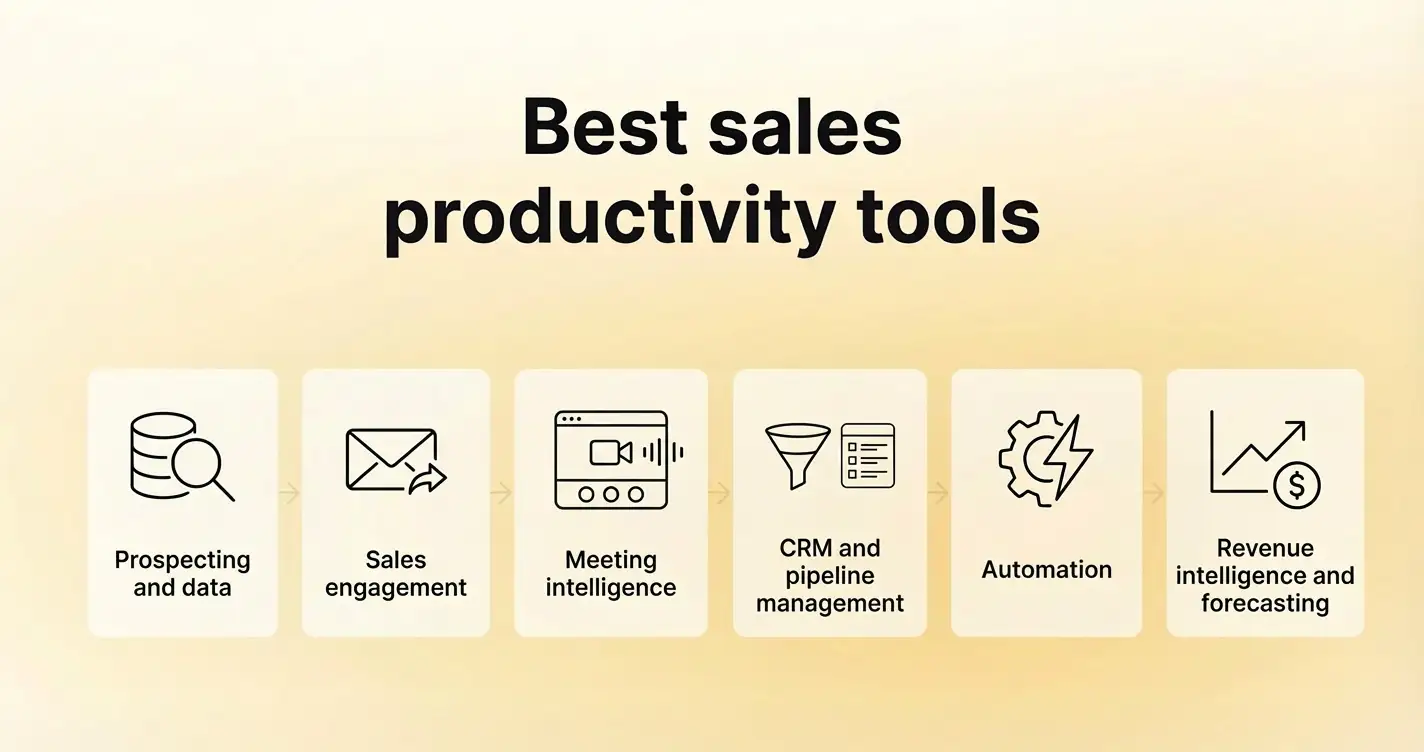
- Tools covered in this guide:
- The highest impact comes from connecting these tools so that data flows automatically across your workflow
- Focus on reducing steps, improving deal visibility, and making sure reps can act in one place
What are sales productivity tools?
Sales productivity tools are software that reduce the time reps spend on non-revenue tasks, allowing them to focus on conversations, deal progression, and closing. They replace manual tasks such as note-taking, CRM entry, call scheduling, prospecting research, and outreach sequencing with automated or AI-assisted workflows.
These tools are not in one category.
The distinction matters because most teams do not need one of everything. They need the right tool for the workflow that costs them the most time. The rest of this article is organized around that principle.
The most common reason sales tools don’t improve output
Most sales tools are added on top of broken workflows. They solve tasks but don’t reduce the total number of steps, so reps spend more time managing systems than advancing deals.
This shows up in daily work: multiple tools, repeated data entry, and constant administrative tasks.
The core issues are overlapping tools, disconnected systems, and low adoption. Teams with more tools often see lower productivity because the workflow remains broken.
How do you choose the right sales productivity tools?
You choose the right sales productivity tools by mapping them to your sales workflow and removing steps rather than adding features.
The goal is to reduce manual work, improve deal visibility, and make sure reps can complete key tasks in one place.
Start with where your reps lose time today.
Step 1: Identify workflow bottlenecks
Look at a single deal from first touch to close. Identify where work slows down.
Common friction points:
- Call notes never make it into the CRM
- Follow-ups depend on the rep's memory
- Deal fields stay outdated
- Managers lack visibility into conversations
When we worked with a mid-market SaaS team, their reps spent close to 2 hours per day updating CRM fields after calls. The data was still incomplete. That created issues with forecast accuracy and pipeline reviews.
Step 2: Map tools to stages, not categories
Instead of thinking in categories like “CRM” or “sales engagement,” map tools to what happens in each stage:
- Prospecting
- First meeting
- Follow-up
- Deal progression
- Forecasting
At each stage, ask:
What work needs to happen, and where does it break?
This helps you avoid stacking multiple tools for the same step.
Step 3: Prioritize integration over feature depth
A tool that connects cleanly with your stack will save more time than one with more features.
For example:
- If call notes sync directly to CRM, reps stop double logging
- If follow-ups are generated from meeting data, reps save time after every call
Step 4: Reduce tool count where possible
More tools increase context switching.
Every time a rep moves between tabs, they lose context. Over a day, that adds up.
Teams that improve productivity often do the opposite of what you expect. They remove tools and consolidate workflows.
This is where all-in-one platforms start to make sense. Instead of stitching together multiple tools, you centralize key workflows like meetings, notes, coaching, and CRM updates.
Step 5: Test for adoption, not just capability
A tool only works if reps use it consistently.
Before rolling anything out, ask:
- Does this save reps' time after every call?
- Does it reduce manual work?
- Can managers rely on the data it produces?
If the answer is no, adoption will drop.
Poor adoption of sales tools is a significant barrier to achieving sales targets, with research indicating that 76% of companies attribute missed sales quotas to this issue.
Which CRM and pipeline management tools improve sales productivity?
CRM and pipeline management tools improve sales productivity by centralizing deal data, tracking pipeline health, and reducing manual updates. The right CRM replaces spreadsheets and scattered notes with a single system your team trusts for forecasting and deal tracking.
1. Salesforce
Best for:
Enterprise and scaling teams with complex sales processes
What it does:
Tracks every deal, activity, and stakeholder across the pipeline. Supports custom workflows, forecasting models, and reporting across large teams.
Key features:
- Custom pipeline stages and deal tracking
- Forecasting and pipeline reporting
- Workflow automation for approvals and updates
- Deep integrations across the sales stack
Pros:
- Handles complex sales motions and large teams
- Strong reporting for leadership and RevOps
- Wide ecosystem of integrations
Cons:
- Requires setup and ongoing admin support
- Low adoption if workflows are not well designed
- Manual data entry can become a burden
Pricing:
Starts around $25 per user/month, with higher tiers for advanced features
2. HubSpot

Best for:
Startups and mid-market teams that want a faster setup
What it does:
Combines CRM, marketing, and sales tools in one system. Tracks deals, contacts, and activities with less configuration required.
Key features:
- Contact and deal management
- Email tracking and engagement tools
- Built-in reporting dashboards
- Native marketing and support integrations
Pros:
- Quick to set up and use
- Clean interface with lower learning curve
- Works well as an all-in-one starting point
Cons:
- Limited flexibility for complex sales processes
- Costs increase as you scale
- Reporting can feel restrictive for advanced teams
Pricing:
Free CRM available, with paid plans starting around $45 per user/month, depending on features
What most teams get wrong with CRM tools
CRMs fail when they act as systems of record instead of systems of action. Reps log data after the fact, creating incomplete records and unreliable forecasts.
High-performing teams connect the CRM to tools that capture data during the sales process, reducing manual updates and unlocking real value.
Which sales engagement tools help reps execute consistently?
Sales engagement tools help reps execute consistently by structuring outreach, automating follow-ups, and tracking engagement across channels. They replace manual email tracking and task management with defined sequences that keep deals moving without relying on memory.
3. Outreach
Best for:
Mid-market and enterprise teams running structured outbound motions
What it does:
Manages multi-step outreach sequences across email, calls, and tasks. Gives managers visibility into activity levels and sequence performance.
Key features:
- Multi-channel sequences (email, calls, tasks)
- Performance tracking by sequence and rep
- Email templates and personalization at scale
- Task management tied to outreach steps
Pros:
- Brings consistency to outbound execution
- Helps managers track activity and performance
- Scales outreach across larger teams
Cons:
- Requires setup to match your sales motion
- Can feel rigid for teams with flexible workflows
- Overuse of templates can reduce personalization
Pricing:
Custom pricing based on team size and features
4. Salesloft
Best for:
Teams focused on improving rep execution and coaching
What it does:
Combines outreach sequencing with call tracking and coaching tools. Helps reps manage daily activities while giving managers visibility into execution quality.
Key features:
- Email and call sequencing
- Call recording and analysis
- Coaching workflows for managers
- Pipeline and activity tracking
Pros:
- Strong focus on rep coaching and performance
- Helps standardize outreach across teams
- Good visibility into daily execution
Cons:
- Requires ongoing optimization of sequences
- Can add process overhead if not managed well
- Integration setup matters for full value
Pricing:
Custom pricing based on requirements
Where engagement tools break down
Engagement tools boost activity, but don’t guarantee deals move forward. Reps can follow every step of the sequence and still stall if outreach isn’t tied to real conversations.
Follow-ups may lack context, messaging can ignore buyer objections, and managers see activity but not conversation quality.
Engagement tools work best when paired with systems that capture and use conversation data. Otherwise, you get more activity, not a better pipeline.
Which prospecting and data tools improve pipeline coverage?
Prospecting and data tools improve pipeline coverage by giving reps access to verified contacts, firmographic data, and buying signals in one place. They replace manual list building and guesswork with structured data that helps reps reach the right accounts faster.
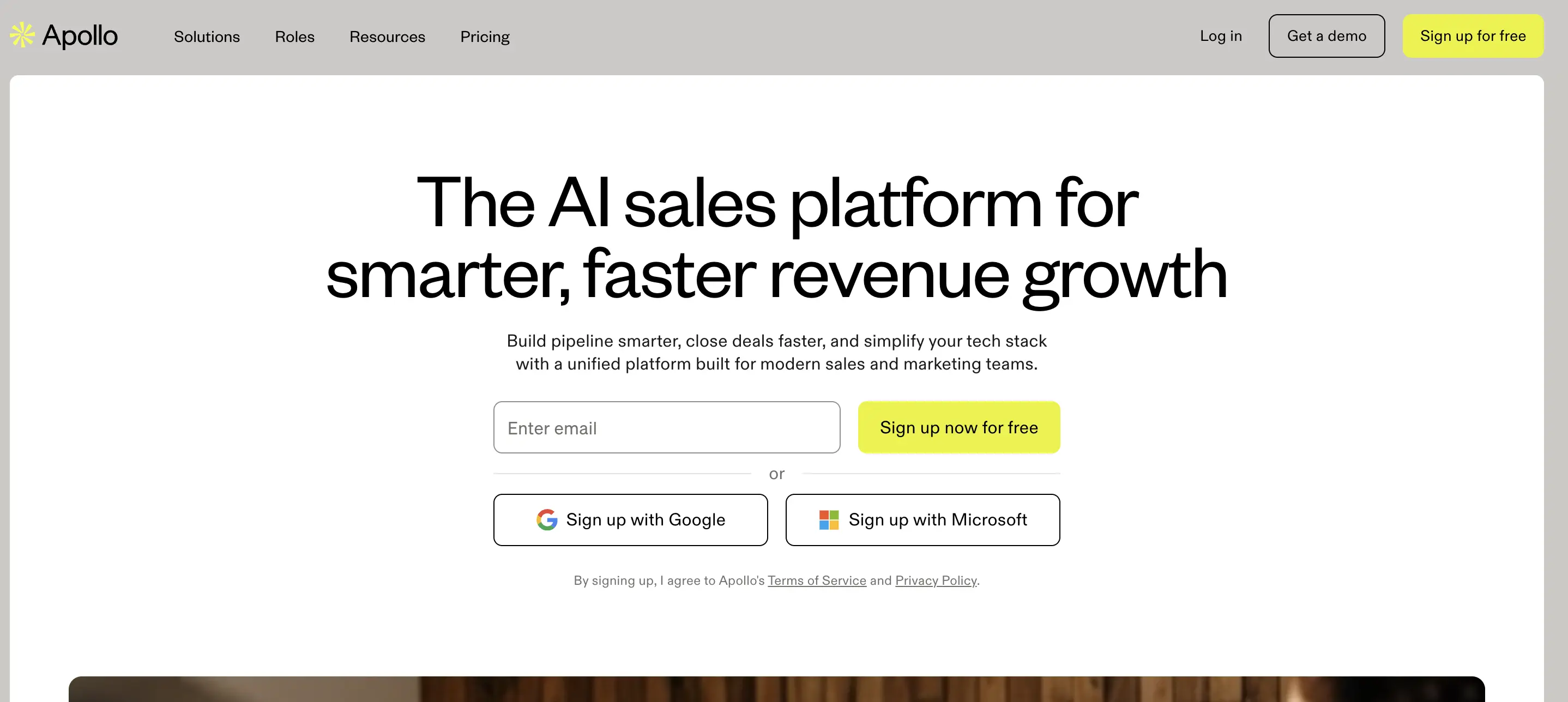
5. Apollo
Best for:
Startups and mid-market teams building outbound pipeline
What it does:
Combines a B2B contact database with outreach capabilities. Reps can find prospects, enrich data, and start sequences without switching tools.
Key features:
- Contact and company database
- Email and phone enrichment
- Basic outreach sequencing
- Filtering by firmographics and intent signals
Pros:
- Combines data and outreach in one place
- Lower cost compared to enterprise tools
- Works well for small teams building pipeline
Cons:
- Data accuracy can vary by region and segment
- Limited depth for enterprise use cases
- Overlap with engagement tools if not scoped clearly
Pricing:
Free plan available, with paid plans starting around $49 per user/month
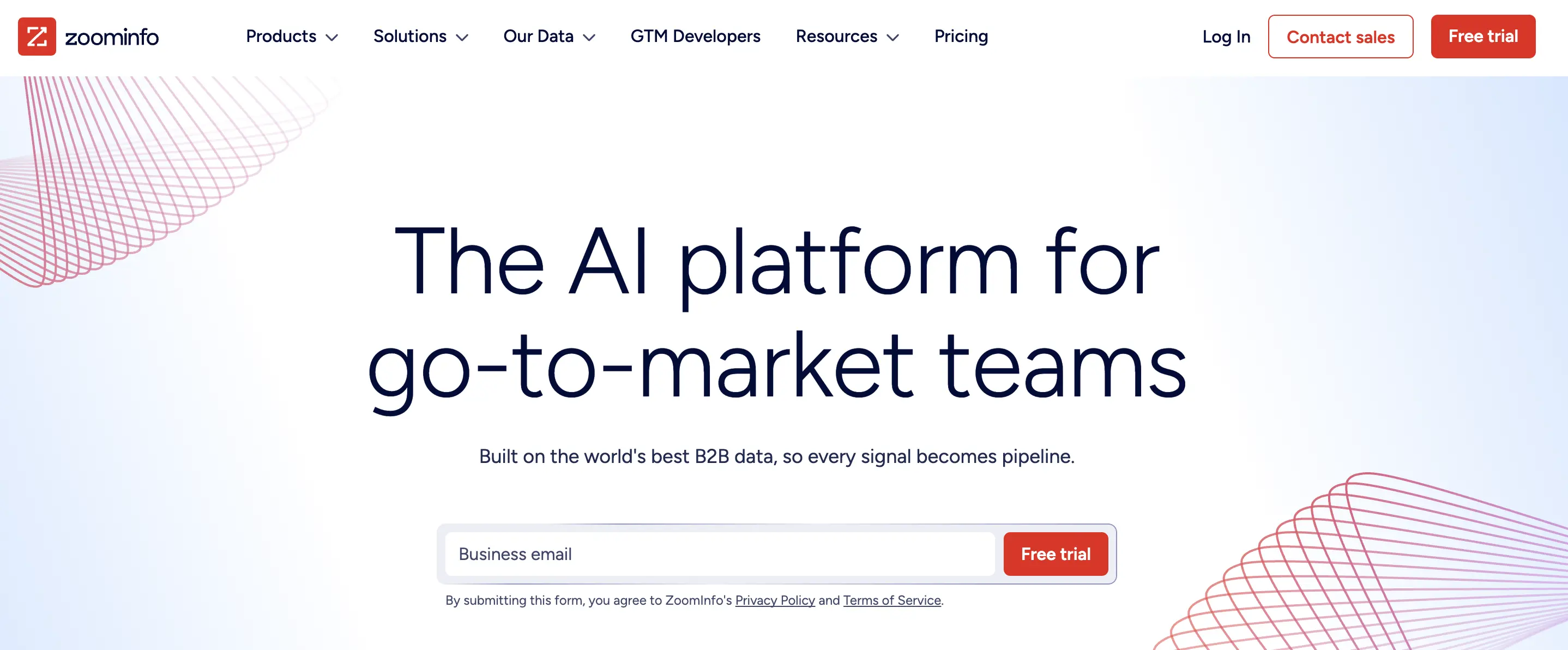
6. ZoomInfo
Best for:
Mid-market and enterprise teams that need large-scale, structured data
What it does:
Provides access to a large B2B database with company insights, contact details, and intent signals. Integrates with CRM and engagement tools to enrich records and trigger outreach.
Key features:
- Extensive contact and company database
- Intent data and buying signals
- CRM enrichment and data sync
- Advanced filtering and segmentation
Pros:
- Large dataset with broad coverage
- Strong fit for enterprise outbound teams
- Integrates with most sales tools
Cons:
- Higher cost compared to alternatives
- Requires ongoing data management
- Data quality depends on use case and region
Pricing:
Custom pricing based on data access and features
Where prospecting tools create hidden work
Prospecting tools fill the top of the funnel but create friction if not managed well. Reps often pull large lists without clear targeting, work leads that aren’t ready, and spend time verifying data.
Teams that get value define targeting criteria before pulling lists and connect data tools with engagement and CRM systems. This keeps prospecting aligned with pipeline goals.
Which meeting intelligence tools improve deal visibility and rep performance?
Meeting intelligence tools improve deal visibility and rep performance by capturing conversation data, generating notes, and syncing key details to the CRM. They replace manual note-taking and also post-call updates with structured data that managers can use for coaching and forecasting.
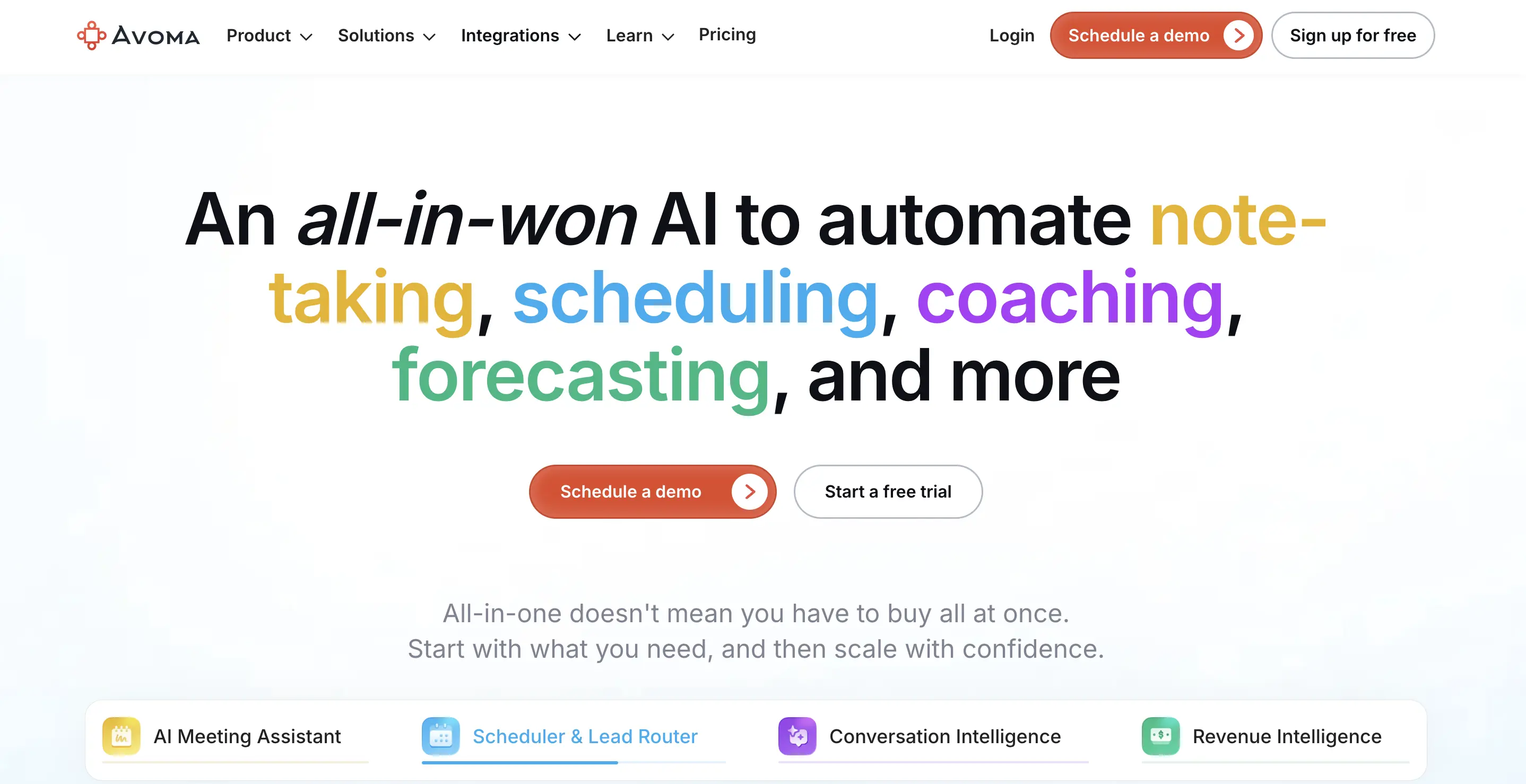
7. Avoma
Best for:
Revenue teams that want to automate meeting workflows and improve deal visibility without adding more tools
What it does:
Records, transcribes, and analyzes sales calls, then turns conversations into structured data. As one of the best sales rep productivity tools, it updates CRM fields, generates summaries, and tracks deal signals across meetings.
Key features:
- Call recording, transcription, and summaries
- Automatic CRM updates from meeting data
- Deal and risk tracking based on conversations
- Coaching workflows using real call data
- Meeting scheduling, notes, and collaboration in one place
Pros:
- Reduces manual work after every call
- Improves CRM data quality without rep effort
- Gives managers visibility into real conversations
- Combines multiple workflows into one system to improve rep productivity
Cons:
- Requires integration with your CRM and calendar
- Teams need to standardize how they use meeting data
Pricing:
Free trial available, with paid plans starting at $19 per user/month and revenue add-ons starting at $29 per user/month.
What changes when conversation data becomes part of your workflow
Most teams treat calls as isolated events. Reps take notes, update the CRM later, and managers rely on second-hand updates.
Meeting intelligence changes that by making conversations part of your system of record. Key objections and next steps are captured automatically, CRM fields update based on what was discussed, and managers can review calls directly.
This improves deal visibility, reduces forecasting gaps, and lets teams consolidate tools into a single system.
Which automation tools reduce manual sales work?
Automation tools reduce manual sales work by connecting systems and triggering actions in response to events.
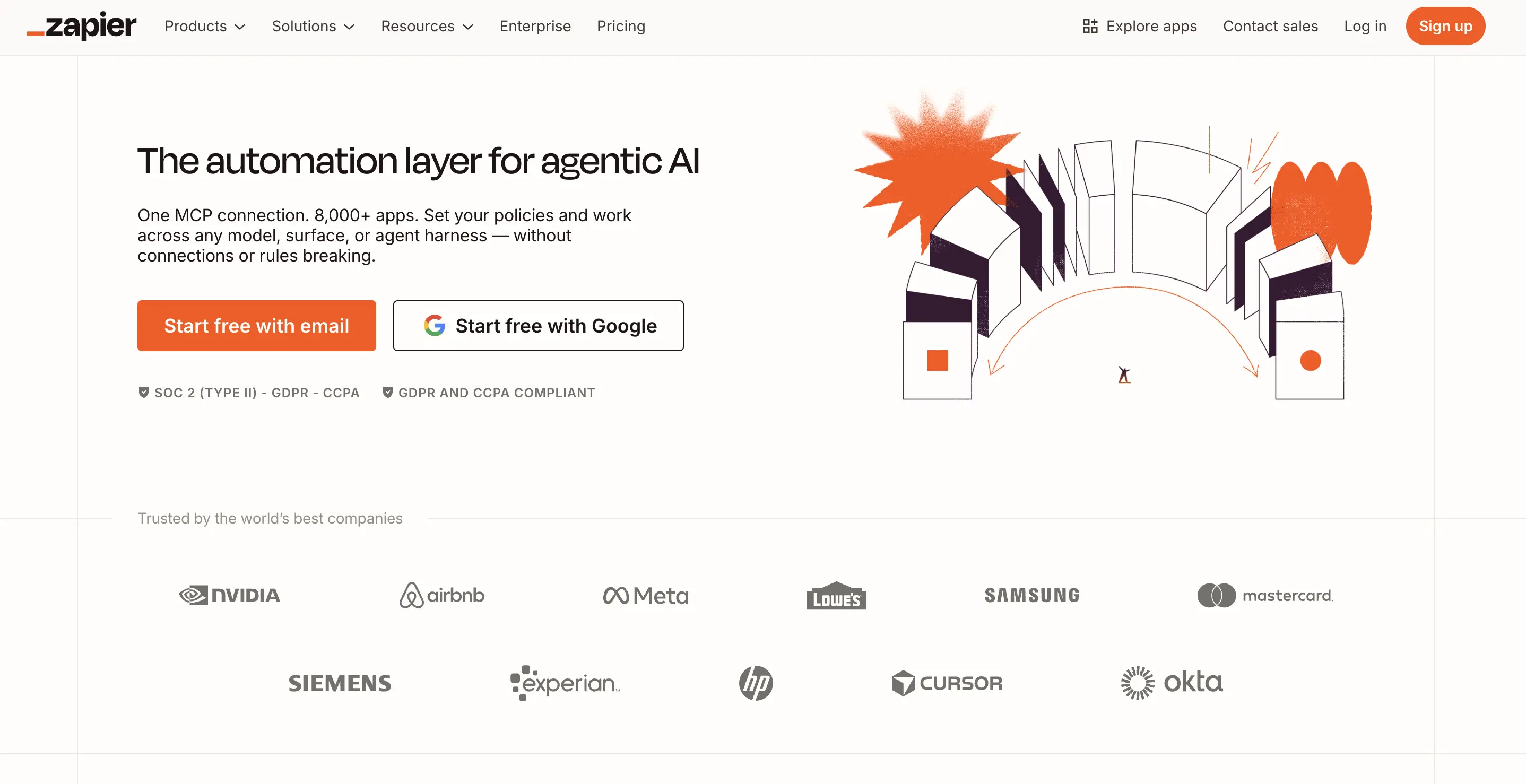
8. Zapier
Best for:
Teams that want quick integrations across common sales tools without engineering support
What it does:
Connects apps and automates workflows using simple triggers and actions. For example, creating a task when a deal stage changes or sending a Slack alert after a call.
Key features:
- Pre-built integrations across thousands of apps
- Trigger-based automation workflows
- Multi-step workflows with conditions
- No-code setup for non-technical users
Pros:
- Fast to set up
- Covers most common use cases
- Reduces repetitive tasks across tools
Cons:
- Limited control for complex workflows
- Can become hard to manage at scale
- Does not solve the underlying workflow design issues
Pricing:
Free plan available, with paid plans starting around $20 per month
9. Make
Best for:
Teams that need more control over complex workflows
What it does:
Builds multi-step automations with conditional logic, data transformations, and deeper system interactions.
Key features:
- Visual workflow builder
- Advanced logic and branching
- Data transformation between systems
- Integration with a wide range of apps
Pros:
- More flexibility than basic automation tools
- Handles complex workflows
- Better control over data movement
Cons:
- Steeper learning curve
- Requires more setup and maintenance
- Can become difficult to manage without clear ownership
Pricing:
Free plan available, with paid plans based on operations and usage
Where automation tools fall short
Automation removes repetitive work but doesn’t fix broken processes. If your workflow is inefficient, automation scales that inefficiency.
This shows up when CRM updates aren’t trusted, follow-ups lack context, and tasks get ignored.
Teams that benefit focus on a few high-impact workflows, such as updating CRM fields from real activity, triggering follow-ups based on meeting outcomes, and flagging deal risks. Automation works when it connects systems that already capture useful data.
Which tools improve forecasting and pipeline visibility?
Tools improve forecasting and pipeline visibility by analyzing deal activity and tracking risk signals. This gives leadership a clear view of pipeline health.
They replace manual reviews and subjective updates with data from CRM activity, emails, and sales conversations.
10. Clari

Best for:
Teams that want structured forecasting and pipeline management at scale
What it does:
Aggregates data from CRM, emails, and other systems to provide forecasting models and pipeline tracking. It helps leadership understand which deals are on track and where risk is building.
Key features:
- Forecasting models and roll-ups
- Pipeline inspection dashboards
- Activity tracking across deals
- Revenue reporting for leadership
Pros:
- Improves forecast accuracy when data is reliable
- Centralizes pipeline tracking for leadership
- Works well for large sales organizations
Cons:
- Relies heavily on CRM data quality
- Requires a consistent process across teams
- Adds another system to manage
Pricing:
Custom pricing based on requirements
Where revenue intelligence tools fit in your stack
Revenue intelligence tools are only as good as the data flowing into them. If your CRM is outdated or conversations aren’t captured, forecasts become unreliable.
This shows up when deals look healthy but stall, forecasts rely on rep judgment, and managers review numbers without seeing real conversations.
Tools like Avoma capture conversation data and surface deal signals that forecasting depends on. When connected, they give leadership a clearer view of pipeline health without relying on manual updates.
Which sales productivity tools should you use based on your situation?
Your setup should reflect where time is lost and what slows down deals.
Which all-in-one sales productivity tools reduce tool sprawl?
All-in-one sales productivity tools reduce tool sprawl by combining multiple workflows into a single system. They replace separate tools for meetings, notes, coaching, and CRM updates with a single platform that automatically captures and distributes data.
Most teams reach this point after adding too many point solutions.
What changes with an all-in-one approach
Instead of stitching tools together, you centralize key workflows:
- Meetings are recorded and transcribed
- Notes are generated automatically
- Key details sync to CRM
- Managers review calls in the same system
This reduces the number of steps required after every interaction.
For example, platforms like Avoma combine meeting intelligence, note-taking, coaching, and CRM updates in a single platform. That replaces multiple tools and removes manual handoffs between systems.
When all-in-one tools make sense
All-in-one tools work best when:
- Reps spend significant time updating systems after calls
- Data is fragmented across tools
- Managers lack visibility into conversations
- Adoption is low across the stack
In these cases, consolidation improves both efficiency and data quality.
When they do not
All-in-one tools are not always the right choice.
They can fall short when:
- Teams need deep functionality in a specific area
- Existing systems are already well integrated
- Processes are highly customized
In those cases, a best-of-breed approach can still work, but it requires tighter integration and clear ownership.
Conclusion
Sales productivity improves when your tools reduce work rather than add to it.
Most teams already have the tools they need. The gap comes from how those tools are connected and how work flows between them.
When you align your stack with real workflows, a few things change. Reps spend more time in conversations. Data becomes reliable without manual effort. Managers gain clear visibility into deals without having to chase updates.
That is what drives better pipeline health and forecast accuracy.
See how Avoma fits into your stack
If your team is switching between tools to run calls, take notes, update the CRM, and review deals, there’s a simpler way to manage that workflow.
Avoma brings meeting intelligence, note-taking, coaching, and CRM updates into one system. It replaces manual note-taking, reduces CRM data entry, and gives managers visibility into conversations without extra steps.
Book a demo to see how it works in your workflow or explore how to boost sales rep productivity with Avoma.
Frequently Asked Questions
A Customer Relationship Management (CRM) system acts as a centralized database for storing lead information, tracking deal stages, and managing the overall sales pipeline. In contrast, sales productivity tools are specialized applications designed to enhance specific sales activities, such as email automation, lead enrichment, or meeting scheduling. While a CRM provides the foundational data, productivity tools streamline the execution of daily tasks to reduce administrative friction.
Most modern sales productivity tools offer native integrations or API access to connect with popular CRMs and enterprise resource planning (ERP) systems. Integration is critical for maintaining data integrity and ensuring that activity logs from outreach or scheduling tools automatically sync with the central record. Compatibility varies by provider, so technical documentation should be reviewed to confirm support for specific legacy architectures or custom fields.
Reputable sales productivity platforms implement security measures such as SOC 2 Type II compliance, GDPR adherence, and end-to-end encryption. Because these tools often handle sensitive contact information and communication logs, they include features like automated data deletion, opt-out management, and restricted user permissions. Organizations must verify that a tool’s data processing agreement aligns with their specific regional and industry-specific regulatory requirements.
The return on investment (ROI) for sales productivity tools generally follows a phased timeline. Initial efficiency gains, such as reduced time spent on manual data entry or scheduling, are often measurable within the first 30 to 60 days. Improvements in conversion rates and quota attainment typically manifest after 90 to 180 days, once the team has fully adopted the new workflows and the tools have collected enough engagement data to provide actionable insights.
Over-automation can lead to "automation fatigue," where prospects perceive outreach as impersonal or spam-like, resulting in lower reply rates and potential domain blacklisting. High-performing teams use productivity tools to automate repetitive administrative tasks while maintaining manual control over high-value personalization. Striking a balance ensures that technology handles the volume while sales representatives focus their effort on tailoring the strategic elements of the conversation.


Dive into Our Latest
Avoma Insights.



What's stopping you from turning every conversation into actionable insights?


