
Using Gmail with Salesforce? Email logging often breaks down when you need it most

Table of Contents:
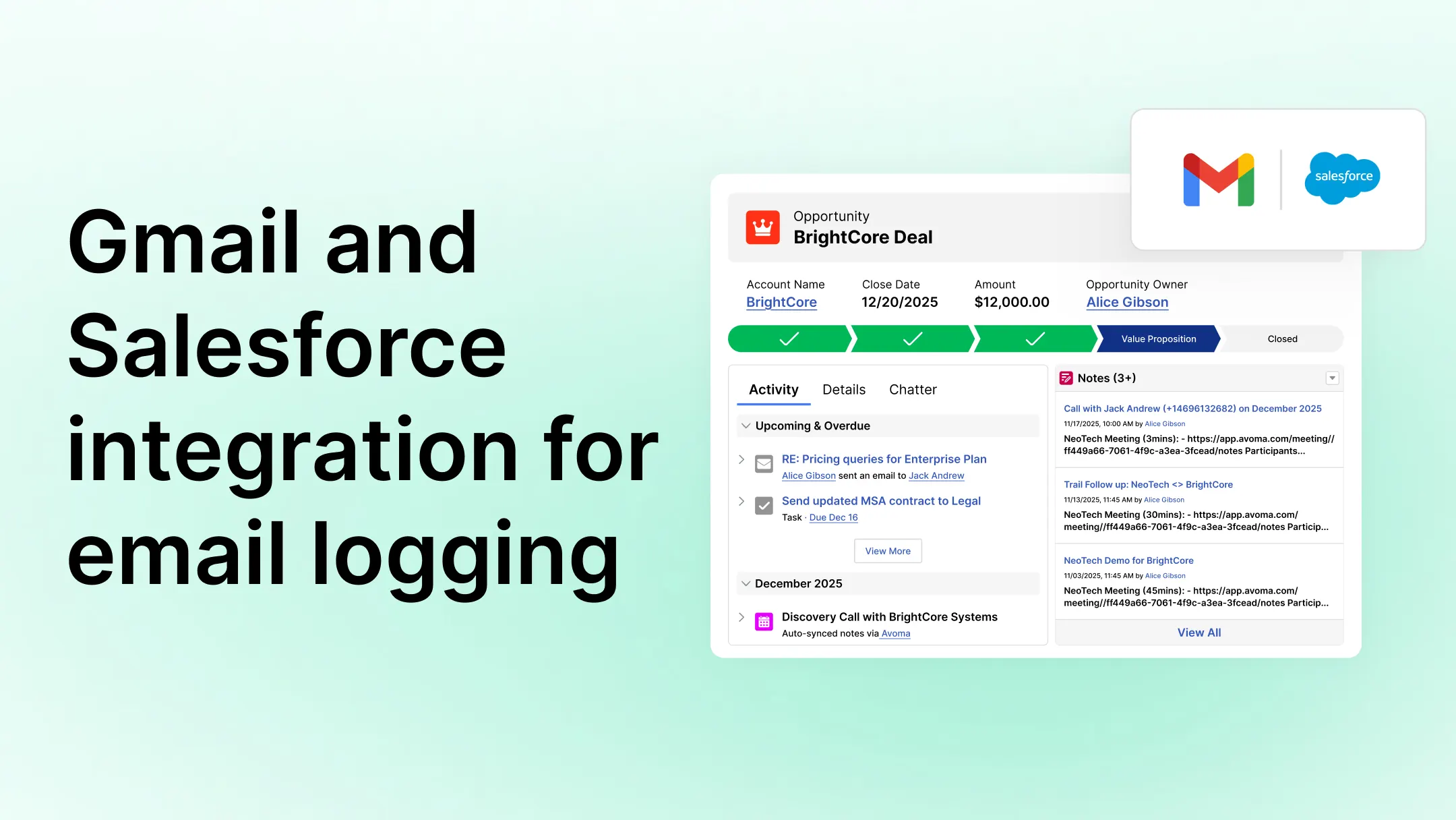
If your team uses Gmail with Salesforce, email logging should be straightforward. Send an email from Gmail and see it logged in Salesforce as usable activity data.
In reality, Salesforce supports three different methods for logging Gmail emails. Each behaves differently under the hood. Each creates different types of records. And each has tradeoffs.
If you are searching for a Gmail and Salesforce integration for email logging, you are likely trying to solve one problem: Logging Gmail emails into Salesforce in a way that supports reporting, automation, and long-term CRM data integrity.
This guide explains how Salesforce-supported Gmail logging methods actually work, what records they create, and what that means for your CRM architecture.
How Gmail Salesforce email logging works today
Salesforce supports three approaches for Gmail email logging:
- Gmail Integration (Lightning for Gmail)
- Einstein Activity Capture (EAC)
- Email to Salesforce (BCC method)
The critical difference between them is not just how emails appear in the UI, it is whether emails are stored as real Salesforce records inside the core database.
1. Gmail Integration (Lightning for Gmail): Manual logging inside Gmail
This is Salesforce’s native Gmail sidebar integration.
A user installs the Salesforce add-on. When viewing or composing an email, they click “Log Email” in the side panel.
If Enhanced Email is enabled (which it is in most modern orgs), Salesforce creates an EmailMessage record in the database. The email appears in the Activity Timeline and behaves like a normal CRM object.
That means:
- It can be reported on.
- Flows and automation can reference it.
- It’s accessible via API and SOQL.
- Attachments are stored in Salesforce.
- Sharing rules apply.
In other words, it’s real CRM data.
The tradeoff is behavior. Logging is manual. Users must choose the correct record associations. And if they forget, the email never gets logged.
This model gives you full control and full reporting power. But it depends on user compliance.
2. Einstein Activity Capture (EAC): How automatic Gmail email logging works
Einstein Activity Capture connects Gmail at the user level and automatically captures emails.
Reps don’t need to click anything. Emails simply appear in the Activity Timeline.
At first glance, this seems like the perfect solution.
But here’s the architectural distinction that matters:
EAC emails are not stored as EmailMessage records in the core Salesforce database.
They are stored in Salesforce’s activity data service layer.
Practically, this means:
- Emails appear in the UI.
- They are not first-class CRM records.
- Reporting access is more limited than native EmailMessage.
- They are not available via standard SOQL queries.
- Automation flexibility is reduced.
- Retention policies may apply depending on license.
This model prioritizes frictionless logging and visibility.
But it does not provide the same level of CRM data ownership as native records.
A deeper analysis of this reporting gap and practical solutions to address it is available in our article on why Einstein Activity Capture isn’t enough for complete Salesforce activity reporting.
3. Email to Salesforce (BCC method): How email logging works without integrations
This is the original method Salesforce introduced years ago.
Users BCC a unique Salesforce-generated email address when sending emails from Gmail.
Salesforce receives the email and creates:
- A Task (if Enhanced Email is off), or
- An EmailMessage (if Enhanced Email is on).
These are real Salesforce records.
They support reporting and automation.
But this method is fully manual. It’s easy to forget. Matching depends on existing Contacts or Leads. And unresolved emails can accumulate if auto-matching fails.
This approach works as a fallback or lightweight solution, but it’s rarely the best long-term strategy.
Are Gmail emails stored as real Salesforce records?
At a high level, Salesforce email logging falls into two models.
Model A: Real CRM data ownership
Gmail Integration and Email to Salesforce create true Salesforce records. You get full reporting, automation, and compliance control.
Model B: Automatic activity visibility
Einstein Activity Capture removes rep effort but stores data outside the core CRM record structure.
That tradeoff is strategic.
Are you optimizing for zero rep friction? Or are you optimizing for complete, durable CRM data?
For small teams, this distinction may not feel urgent but for scaling revenue teams, it becomes operational.
Why Gmail email activity doesn’t always support Salesforce reporting
The issues usually surface later.
- When RevOps builds a report and realizes email activity can’t be filtered the way they expect.
- When automation doesn’t trigger because the activity isn’t a native record.
- When compliance teams ask about retention.
- When forecasting depends on accurate activity counts.
None of these problems show up in the inbox. They show up in dashboards.
That’s when the architectural difference starts to matter.
What makes Gmail Salesforce email logging reliable?
For teams that rely heavily on Salesforce activity data, the ideal solution combines:
- Automatic capture
- Native Salesforce record creation
- Accurate record association
- Admin-level control
That combination eliminates missed emails while preserving reporting and automation flexibility.
It removes the tradeoff between visibility and ownership.
How Avoma logs Gmail emails into Salesforce as native activity records
Avoma is built for teams that want both automation and real CRM records. It automatically captures activity in Salesforce.
Instead of relying on manual logging or storing activity outside the database, Avoma connects to Gmail and writes emails into Salesforce as native Task records.
Here’s what it means in practice:
- Inbound and outbound emails are captured automatically.
- Emails are stored inside Salesforce.
- Activity supports reporting, Flows, and automation.
- Associations are created with the correct Lead, Contact, Account, and Opportunity.
- Admins manage configuration centrally.
Reps don’t need to click log. RevOps doesn’t lose reporting flexibility. Salesforce remains the system of record.
That’s the difference.
How to evaluate your current Gmail Salesforce email logging setup
If your team uses Gmail with Salesforce, it’s worth reviewing your current setup:
- Are emails stored as EmailMessage or Task records?
- Can you query them like a normal CRM activity?
- Do Flows trigger them?
- Is there a retention limit?
- Does logging depend on rep behavior?
If you don’t have clear answers, it’s a signal that your email logging architecture deserves a closer look.
See reliable Gmail Salesforce email logging in action
If you want to see how automatic Gmail logging can work without sacrificing CRM data ownership, schedule a live demo with Avoma.
We’ll walk through exactly how emails are captured, stored, associated, and reported inside Salesforce — so you can evaluate it against your current setup with clarity.
Frequently Asked Questions
Avoma uses a native Salesforce integration to automatically sync AI-generated meeting notes and engagement data to the correct Salesforce records (Opportunities, Accounts, Contacts, etc.). In addition, email conversations tied to deals can be reflected in engagement tracking, ensuring both call and email activity are visible in Salesforce without manual entry.
Yes. Avoma can incorporate email exchanges into the deal view and associate them with the relevant Salesforce opportunity. This allows teams to see a unified engagement history — including both meetings and email conversations — when evaluating pipeline health and customer activity.
Avoma syncs both. It pushes full AI-generated meeting summaries into Salesforce as notes or activities, and it can also map structured insights (like next steps, competitors, MEDDICC/SPICED fields, business goals) directly into standard or custom Salesforce fields. This ensures Salesforce data remains structured and reportable.
Yes. Avoma can map its AI-detected smart topics (e.g., Budget, Authority, Pain, Champion, Impact) to Salesforce fields. After the meeting, those qualification fields are automatically populated in Salesforce, reducing manual CRM updates and improving reporting accuracy.
Avoma analyzes both meeting transcripts and email conversations to identify engagement signals, objections, risks, and sentiment. If a customer expresses dissatisfaction or delay concerns over email, those signals contribute to deal health scoring — giving managers a more complete picture inside Salesforce.
Yes. Avoma can generate an AI-powered follow-up email based on the meeting transcript, which reps can review and send directly. Once sent, the engagement can be reflected in Salesforce, helping maintain accurate communication records tied to the opportunity.
Yes. Avoma complements Salesforce email tracking tools by adding AI-powered insights from calls and emails. While tools like Einstein Activity Capture focus on logging email visibility, Avoma extracts structured insights and syncs meaningful data into Salesforce fields that can be reported on and used in forecasting.
Yes. If your Salesforce instance includes custom fields for tracking items like competitor mentions, renewal risk, use case, or referral source, Avoma can map AI-extracted insights directly to those fields. This keeps Salesforce data aligned with your internal sales processes and reporting requirements.
For meetings, Avoma allows manual recording of impromptu calls and supports uploading external recordings. Once processed, the notes and structured insights sync to Salesforce like any scheduled meeting. Email data associated with deals can still be reflected in engagement tracking even if the meeting wasn’t calendar-based.
Avoma eliminates the need for reps to manually type meeting summaries, update qualification frameworks, or re-enter structured insights after calls. By automatically syncing notes, mapped fields, emails and engagement data (including emails), it ensures Salesforce stays updated with minimal administrative effort from the sales team.


Dive into Our Latest
Avoma Insights.


What's stopping you from turning every conversation into actionable insights?


