
15 sales automation tools for every stage of the sales cycle

Table of Contents:
Sales automation tools covers a lot of ground. A scheduling tool, a call recorder, a CRM sync engine, and a forecasting platform are all technically sales automation tools, but they automate completely different parts of your workflow.
Most listicles dump them into a single numbered list. That format doesn't help you figure out which tool you actually need, because tools that solve pre-meeting problems get mixed in with tools that solve post-meeting ones.
This article organizes them by the 4 stages of the meeting lifecycle: pre-meeting, during the meeting, post-meeting, and ongoing. If you're still deciding which parts of your process to automate first, start with the sales automation guide, which covers what to automate, what to keep manual, and how to roll it out. This article picks up from there.
How we selected and evaluated these tools
Tools were selected based on market presence, active user base, CRM integration depth, and coverage across the 4 meeting lifecycle stages. Each was evaluated against the same 5 criteria:
- Automation depth: What specific tasks does it automate, and how completely? Does it require manual steps to finish the workflow?
- CRM integration: Does it push data to Salesforce and/or HubSpot natively, and at what depth (field-level sync vs. summary notes)?
- Ease of adoption: Can a team get started without dedicated admin or implementation support?
- Pricing transparency: Is pricing published and predictable, or does it require a sales conversation?
- Use-case fit: Which team type, size, and sales motion does the tool serve best?
Tools are organized by stage, not ranked within each stage. The best fit depends on team size, existing CRM, and sales motion.
Editorial disclosure: Avoma is the product of the company that publishes this article. It's covered separately in the all-in-one platforms section rather than alongside the point solutions in each stage, because it covers all 4 stages while the tools in each stage section cover one. Genuine limitations are listed alongside capabilities in the Avoma review.
TLDR
- Sales reps spend more than 70% of their time on non-selling tasks across 4 workflow stages.
- The right tool depends on which stage you need to automate, not which tool has the most features.
- Pre-meeting: Calendly, Chili Piper (scheduling/routing); Clay, Apollo, ZoomInfo (prospecting); Outreach, Salesloft, Reply.io (outreach).
- During meeting: Fireflies.ai, Otter.ai (recording, transcription, live notes).
- Post-meeting: Fireflies.ai, Scratchpad, Zapier (CRM sync, follow-ups, action items).
- Ongoing: Gong, Clari (coaching, call scoring, forecasting).
- For teams that want one platform across all 4 stages: see the all-in-one section.
Quick comparison: Top sales automation tools by stage
Pre-meeting: Scheduling, prospecting, and outreach
The pre-meeting stage covers everything before a meeting happens including booking it, finding the right prospect, enriching their data, and getting into their inbox. Each of those tasks has its own automation layer, and the tools are distinct. Our sales automation guide covers which are worth automating first.
Scheduling and lead routing
Manual scheduling and lead routing are 2 of the most preventable delays in sales. A rep who waits until the next business day to respond to a web form loses that lead to a faster competitor. Harvard Business Review research found response speed within the first hour is 7x more effective at qualifying leads than a response an hour later. A back-and-forth email thread to find a meeting time costs 15-20 minutes per booking. For a team booking 20 meetings a week, that's 5-7 hours of coordination work recovered entirely by a scheduling link.
Calendly
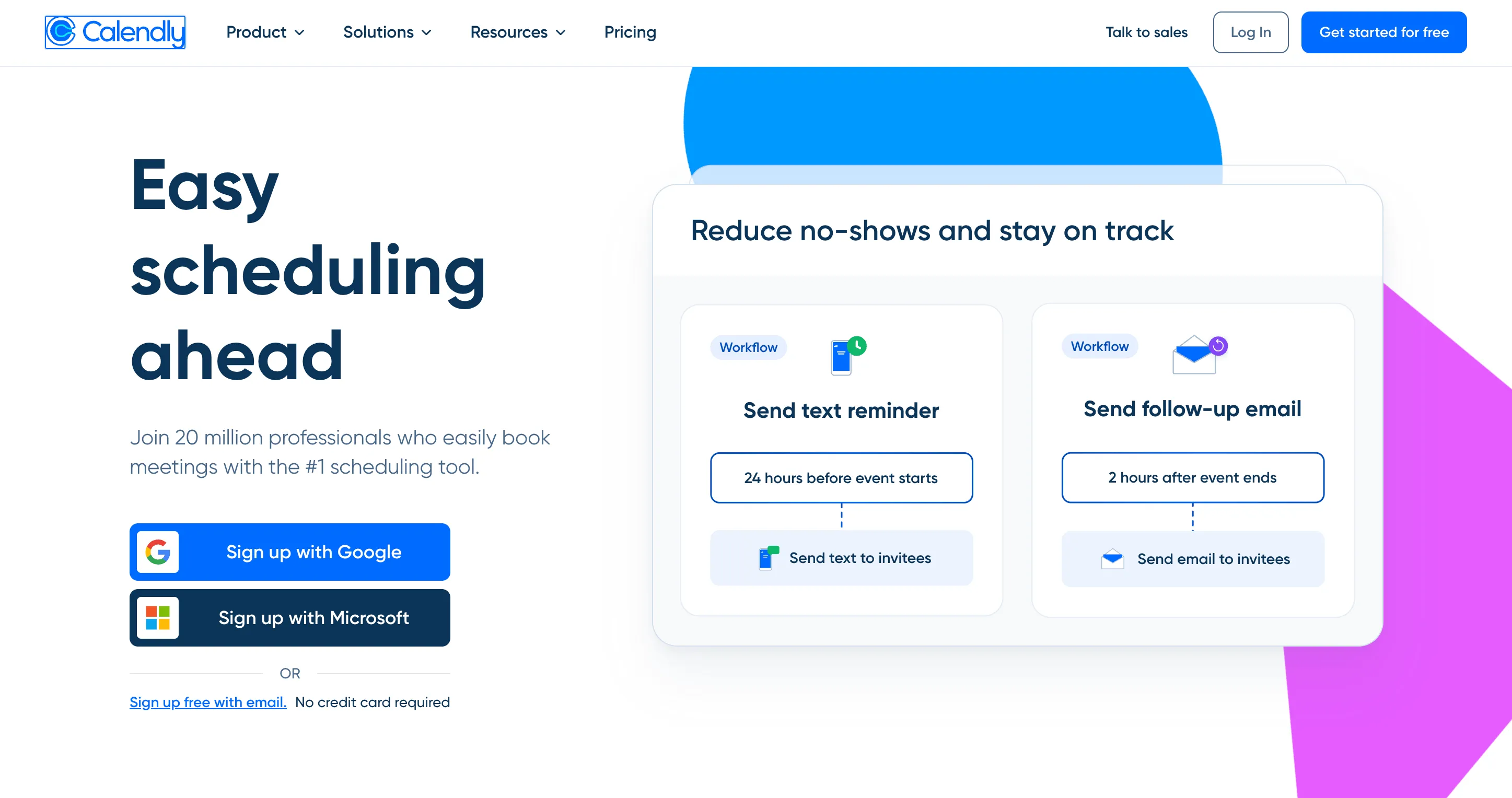
Best for: Individual reps and small teams that need frictionless, one-click meeting booking.
What it automates: Calendly removes scheduling coordination. Reps share a booking link, prospects pick a time from available slots, and the meeting is confirmed with calendar invites and video links generated automatically. Higher tiers add round-robin distribution, team scheduling pages, and automated reminder and follow-up workflows.
Key features:
- One-click meeting booking via shareable links
- Round-robin and team scheduling (Teams plan)
- Salesforce integration (Teams plan and above)
- Automated pre- and post-meeting reminders
- Embed on web pages and in email signatures
Pricing: Free (1 event type). Standard: $10/seat/month (annual). Teams: $16/seat/month (annual). Enterprise: from $15,000/year.
Pros:
- Near-zero setup; reps can be live in under 10 minutes
- Widely recognized by prospects, which improves booking rates
- Generous free tier for individuals
Cons:
- Scheduling only. No recording, CRM sync, or post-meeting automation
- Salesforce integration locked to the Teams plan
- Once the meeting is booked, the rest of the workflow is still manual
Chili Piper
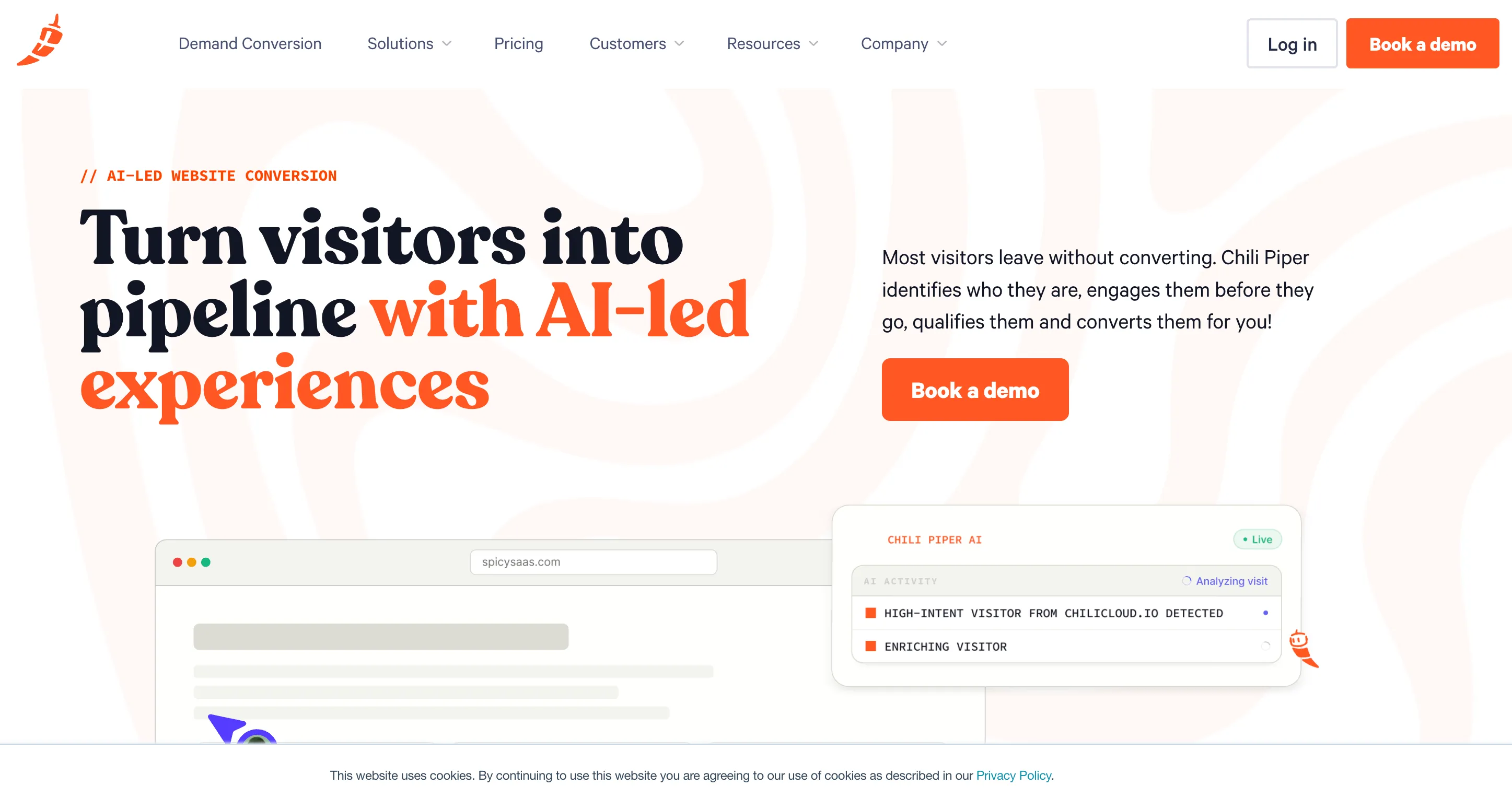
Best for: Inbound-heavy teams that need real-time lead qualification, routing, and instant booking from web forms.
What it automates: Chili Piper qualifies and routes inbound leads the moment they submit a form. It matches each lead to the right rep based on territory, account ownership, or round-robin rules, and books a meeting immediately. It also handles SDR-to-AE handoff scheduling, which is a common drop-off point for teams running a 2-step inbound motion.
Key features:
- Real-time lead qualification and routing from form submissions
- Lead-to-account matching with enrichment
- Round-robin and territory-based routing rules
- SDR-to-AE handoff scheduling
- Salesforce-native integration
Pricing: Routing & Scheduling: $1,250/month (up to 15 seats included, $45/seat/month after that; ~$15,000/year). Experiences (adds AI chat, account identification, re-engagement flows): $3,500/month (~$42,000/year, up to 30 seats). ChiliCal standalone (scheduling only, no routing): $12/user/month, 200-seat minimum. Annual contracts required.
Pros:
- Cuts speed-to-lead for inbound teams measurably
- Routing logic handles complex territory and account ownership rules
- Salesforce-native data flow
Cons:
- $15,000/year minimum makes it a significant commitment for smaller teams
- Initial configuration requires dedicated admin time
- Scheduling and routing only: no downstream meeting automation
Scheduling and lead routing: side-by-side comparison
Prospecting and data enrichment
Finding the right prospects and enriching their data before outreach is where a lot of pre-meeting time goes. The tools here split into 2 types: Databases you search (ZoomInfo, Apollo) and platforms that automate the enrichment workflow by chaining multiple data sources together (Clay).
Clay
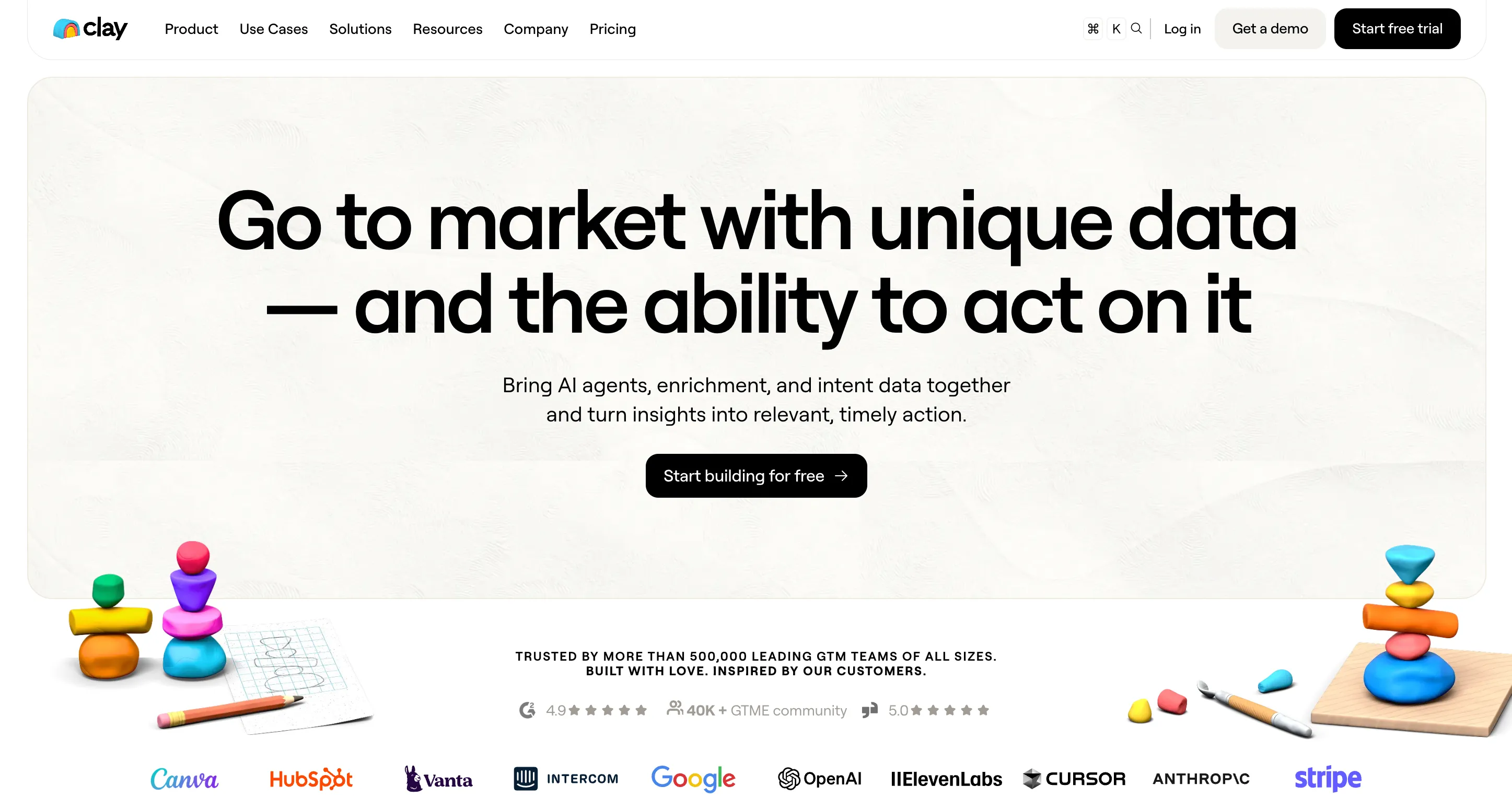
Best for: Revenue operations and sales teams that want automated prospecting and enrichment workflows without writing code.
What it automates: Clay lets you build multi-step enrichment workflows that pull from 100+ data providers (LinkedIn, Clearbit, Apollo, Hunter, and more), apply custom logic to score or filter leads, and push the output to a CRM or sequencing tool. A rep who used to manually research a lead across 5 browser tabs can replace that entire process with a single Clay workflow: find the contact, verify the email, enrich with firmographics, score by ICP fit, push to HubSpot.
Key features:
- Access to 100+ data providers in one workflow builder
- No-code automation builder for chaining enrichment steps
- AI-powered email writing using enriched contact data
- Direct integrations with Salesforce, HubSpot, Outreach, Salesloft
- Waterfall enrichment logic (tries multiple sources until a field is filled)
Pricing: Free (6,000 actions/year, 1,200 data credits/year). Launch: from $167/month (180,000 actions/year, 30,000 data credits/year). Growth: from $446/month (480,000 actions/year, 72,000 data credits/year).
Enterprise: custom. Pricing is usage-based: actions measure platform usage, data credits buy data from vendors in Clay's marketplace.
Pros:
- Replaces manual research across multiple data sources with one automated workflow
- Waterfall enrichment reduces cost by using cheaper sources first before hitting expensive ones
- Works for simple single-source enrichment and complex multi-step prospecting logic
Cons:
- Credit-based pricing requires careful workflow design to avoid overages
- Learning curve for non-technical users building complex workflows
- Relies on third-party sources, so data quality depends on what's connected
Apollo.io
Best for: Teams that need both a B2B contact database and outreach sequencing without maintaining 2 separate tools.
What it automates: Apollo combines a 275M+ contact database with built-in email sequencing, a dialer, and task management. Reps can find a prospect in the database, enrich their record, and add them to a sequence in the same workflow, with no switching tools mid-process.
Key features:
- B2B contact and company database (275M+ contacts)
- Multi-channel sequencing (email, phone, LinkedIn)
- Lead scoring and ICP filters
- Built-in dialer and task management
- Integrations with Salesforce, HubSpot, Outreach, Salesloft
Pricing: Free (75 credits/month). Basic: $49/user/month (annual). Professional: $79/user/month (annual). Organization: $119/user/month (annual).
Pros:
- Data and engagement in one platform cuts tool count and cost
- Published, transparent pricing with a usable free tier
- Lower cost than enterprise alternatives at comparable data coverage
Cons:
- Data quality varies by region and industry
- Phone credits cost 8x email credits and expire monthly
- Sequencing features are less mature than dedicated platforms like Outreach or Salesloft
ZoomInfo
Best for: Mid-market and enterprise teams that need a deep B2B contact and company database with buyer intent signals.
What it automates: ZoomInfo provides verified contact data, firmographics, technographic data, and buyer intent signals showing which accounts are actively researching relevant categories. It integrates with CRMs and engagement platforms to populate lead records and trigger outreach workflows based on intent data.
Key features:
- B2B contact and company database with verified emails and direct dials
- Buyer intent signals by topic
- Technographic and firmographic data
- CRM and engagement platform integrations
- Advanced search filters and list building
Pricing: Professional: ~$14,995/year. Advanced: ~$24,995-$30,000/year. Elite: $40,000+/year. Annual contracts required.
They do offer a scaled-down version called "ZoomInfo Lite" to compete with cheaper tools. It has a limited free tier, with paid plans ranging from $130 to $750/month, but data access and search functionality are highly restricted.
Pros:
- One of the largest and most established B2B data platforms
- Intent data helps prioritize accounts showing active buying signals
- Deep integration ecosystem
Cons:
- Minimum $15,000/year makes it inaccessible for smaller teams
- Credit system limits usage, with overages charged at $0.20+ per credit
- Annual contracts with 10-20% renewal escalators built in
Prospecting and data enrichment: side-by-side comparison
Outreach and sequencing
Outreach tools automate the repetitive parts of sales communication: sending email sequences, scheduling follow-up tasks, tracking engagement, rotating channels. The right tool depends on the sales motion your team runs.
Outreach
Best for: Mid-market and enterprise sales teams running structured multi-channel outbound sequences at scale.
What it automates: Outreach automates multi-channel sales sequences across email, phone, and social. It handles sequence enrollment, step execution, task creation, and A/B testing across message variants. Modules for conversation intelligence (Kaia), forecasting, and AI agents (Amplify) extend the platform beyond sequencing into pipeline management.
Key features:
- Multi-channel sequence automation (email, phone, social)
- AI-powered A/B testing and send-time optimization
- Pipeline analytics and deal management
- Conversation intelligence module (Kaia)
- Forecasting module
Pricing: Estimated $100-$170+/user/month (annual contract required). No public pricing; requires a sales conversation.
Pros:
- Deep sequencing and multi-channel automation capabilities
- Modular platform covering engagement, deals, and forecasting
- Strong enterprise integrations
Cons:
- No public pricing and no monthly billing
- Annual contracts with high per-seat cost for smaller teams
- Gets full value at scale; overkill for teams under 15 reps
Salesloft
Best for: Mid-market and enterprise sales teams that need structured engagement cadences with deal tracking, and are evaluating a post-merger Salesloft/Clari bundle for revenue forecasting.
What it automates: Salesloft combines sales engagement (cadences, email, dialer) with deal tracking and pipeline management. The Advanced plan adds conversation intelligence (call recording and AI summaries) and deal inspection. The Premier plan adds Clari-powered revenue forecasting and pipeline risk signals — a result of Salesloft's recent merger with Clari.
Key features:
- Cadence automation with multi-channel steps
- Deal tracking and pipeline management
- Conversation intelligence with call recording and AI summaries (Advanced plan)
- Clari-powered revenue forecasting and pipeline risk signals (Premier plan)
- CRM integrations with Salesforce and HubSpot
Pricing: No public pricing; all deals are custom-quoted with annual or multi-year contracts required. Based on procurement data from sources, estimated list prices are: Essentials ~$75-$100/user/month, Advanced ~$125-$150/user/month, Premier ~$165-$200+/user/month. Negotiated rates typically run 15-25% below list. Essentials requires a 10-seat minimum in most regions.
The per-seat price doesn't tell the full story. Add-ons that most teams need:
- Dialer feature unlock: ~$200/user/year (the calling feature itself, before any usage)
- Unlimited domestic calling/texting: ~$300-$400/user/year on top of that
- Implementation fee: typically $5,000-$25,000+ depending on team size; rarely waived without pushing back
- Data: Salesloft has zero prospect data. You'll still need Apollo, ZoomInfo, or similar to feed contacts into it
For a 25-user team on Advanced with full dialing, a realistic Year 1 total is roughly $60,000-$65,000 all-in.
Pros:
- Strong cadence management and multi-channel automation for outbound-heavy teams
- Conversation intelligence included in Advanced (not a separate tool)
- Clari forecasting integration on Premier makes it a compelling bundle for RevOps teams already evaluating both products
Cons:
- Dialer requires 2 separate add-ons (feature unlock + usage) before you can make a single call
- Multi-year contracts typically include 5-8% automatic annual price escalators; ask to cap or remove this before signing
- No prospect data included; real cost per seat is significantly higher once you factor in a data tool
Reply.io
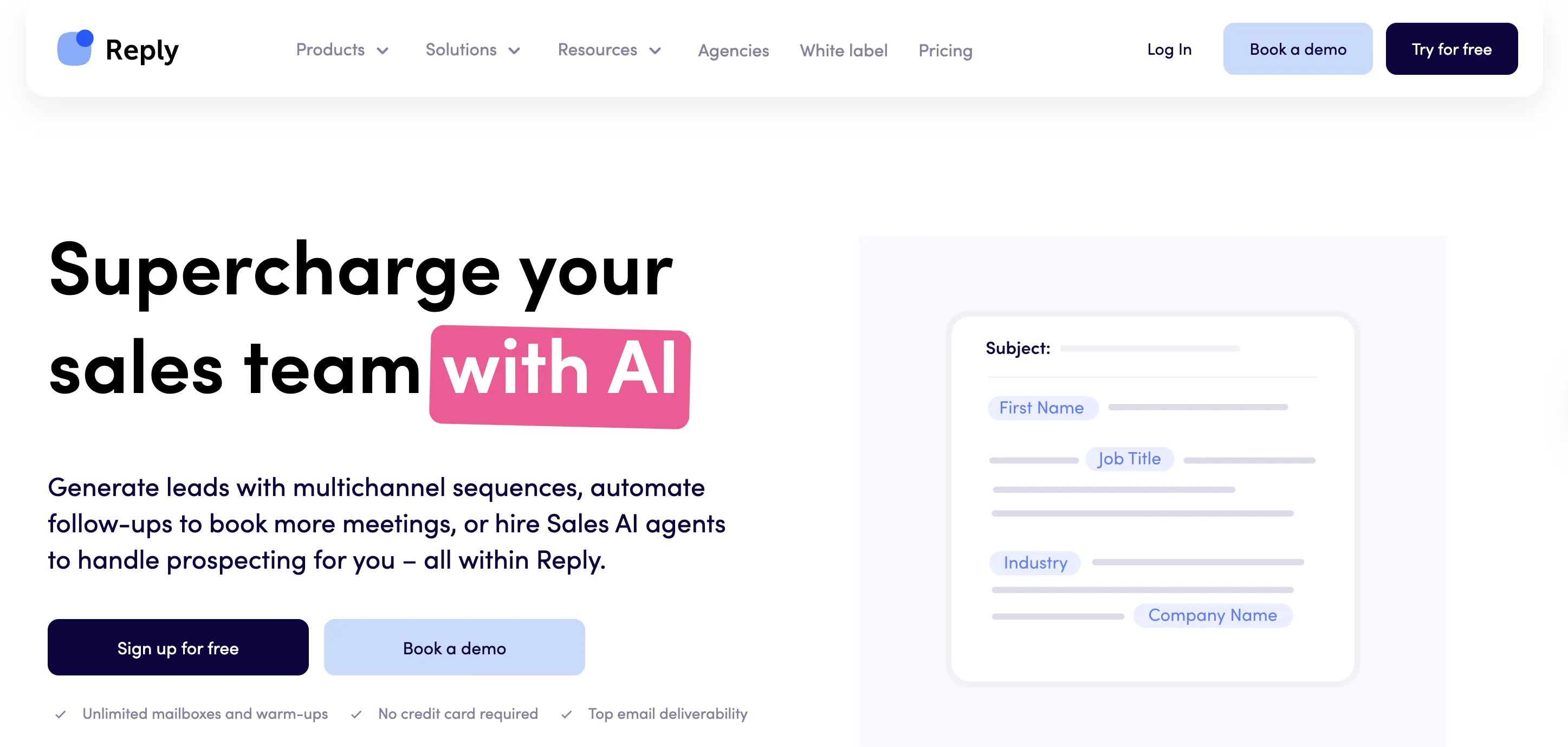
Best for: SMB and mid-market teams that need multi-channel outreach automation across email, LinkedIn, SMS, and WhatsApp without enterprise-level pricing.
What it automates: Reply automates multi-channel outreach sequences with AI-generated personalization. It handles email sending, LinkedIn connection requests and messages, SMS, and WhatsApp in a single sequence workflow. An AI SDR feature can handle initial outreach and responses automatically.
Key features:
- Multi-channel sequence automation (email, LinkedIn, SMS, WhatsApp, calls)
- AI-powered email personalization and reply categorization
- AI SDR for automated initial outreach and response handling
- Meeting booking integration (Calendly compatible)
- CRM integrations with Salesforce, HubSpot, Pipedrive
Pricing: 2 core plans, billed annually. Email Volume: $49/user/month (1,000 active contacts/month, unlimited mailboxes). Multichannel: $89/user/month (unlimited active contacts, includes email, LinkedIn, calls/SMS, and WhatsApp). 14-day free trial available.
LinkedIn and calling are add-ons on the Email Volume plan: LinkedIn automation is $69/month per account, calls/SMS is $29/month per account. Both are included in the Multichannel plan. AI SDR (Jason) is a separate product starting at $500/month.
Pros:
- True multi-channel automation including LinkedIn and WhatsApp, which most tools handle separately
- AI SDR feature reduces manual outreach for top-of-funnel qualification
- Lower price point than Outreach or Salesloft for comparable channel coverage
Cons:
- LinkedIn automation carries account risk if usage exceeds LinkedIn's rate limits
- Reporting and analytics less mature than enterprise platforms
- AI SDR requires careful setup to avoid generic outreach that tanks reply rates
Outreach and sequencing: side-by-side comparison
During the meeting: Recording, transcription, and live capture
Once the meeting is booked, the next automation layer handles what happens on the call: recording, transcribing, and capturing key moments so the rep can focus on the conversation rather than taking notes. More on why this stage matters in the sales automation guide.
The core automation is simple. The tool joins automatically, records audio, and produces a searchable transcript with speaker identification. Where tools differ is in transcription accuracy, language support, and whether their output connects to downstream workflows (CRM sync, coaching scorecards) or just sits in a recording library.
That downstream connection matters. A transcript in a tool that doesn't talk to your CRM or coaching platform captures the conversation but doesn't automate anything beyond it.
Fireflies.ai
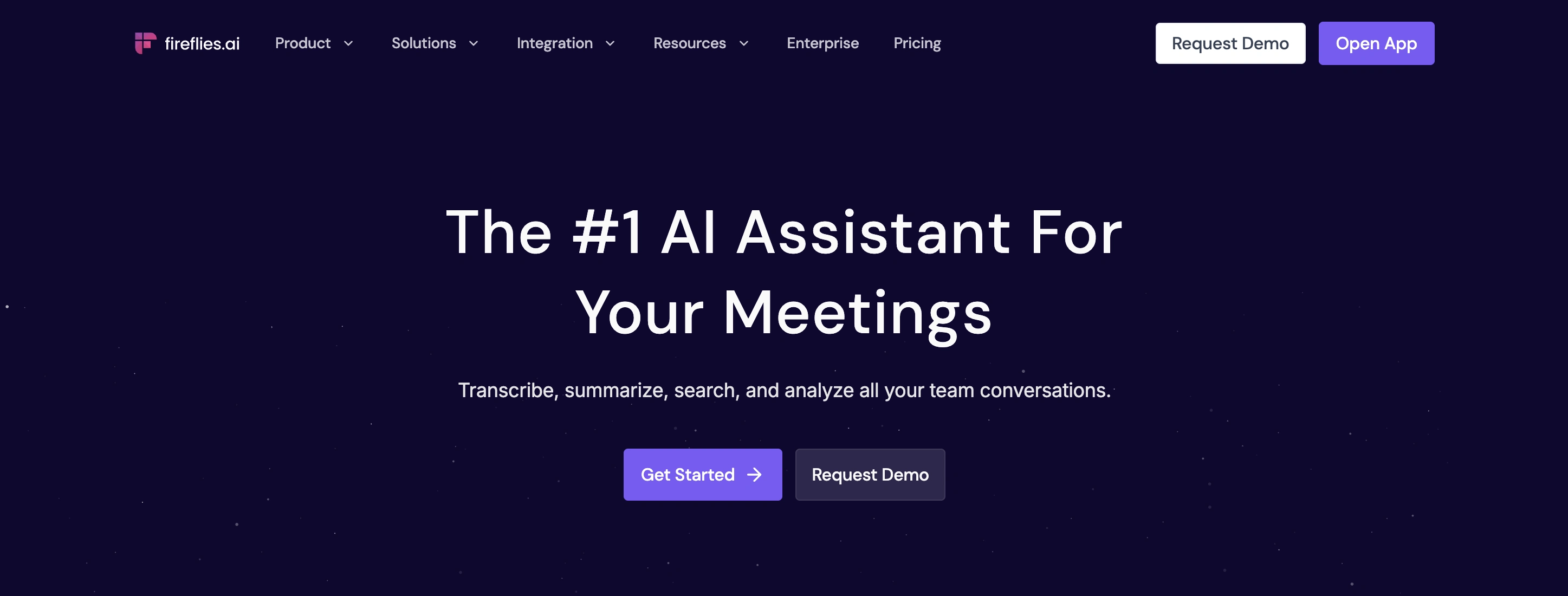
Best for: Revenue and cross-functional teams that need accurate transcription and AI summaries with CRM integrations and a searchable meeting database.
What it automates: Fireflies joins meetings automatically, records and transcribes audio, and generates AI summaries with action items. It builds a searchable database of all meeting content across the team, with CRM integrations that push summary data and notes to Salesforce, HubSpot, and Pipedrive. A newer feature lets users query meeting content through a chat interface.
Key features:
- Automated recording and transcription across Zoom, Google Meet, and Teams
- AI-generated summaries with action items and next steps
- Searchable meeting database across the team
- CRM integrations (Salesforce, HubSpot, Pipedrive)
- 100+ language support with speaker identification
Pricing: Free (800 minutes storage). Pro: $10/user/month (annual). Business: $19/user/month (annual). Enterprise: $39/user/month (annual).
Pros:
- Accurate transcription with strong multi-language coverage
- Affordable entry point with a usable free tier
- CRM push available on Business and Enterprise plans
Cons:
- CRM integrations and AI summaries aren't available on the free plan
- Storage limits on Pro plan (8,000 minutes)
- CRM sync pushes summary text rather than mapping to specific CRM fields
Otter.ai
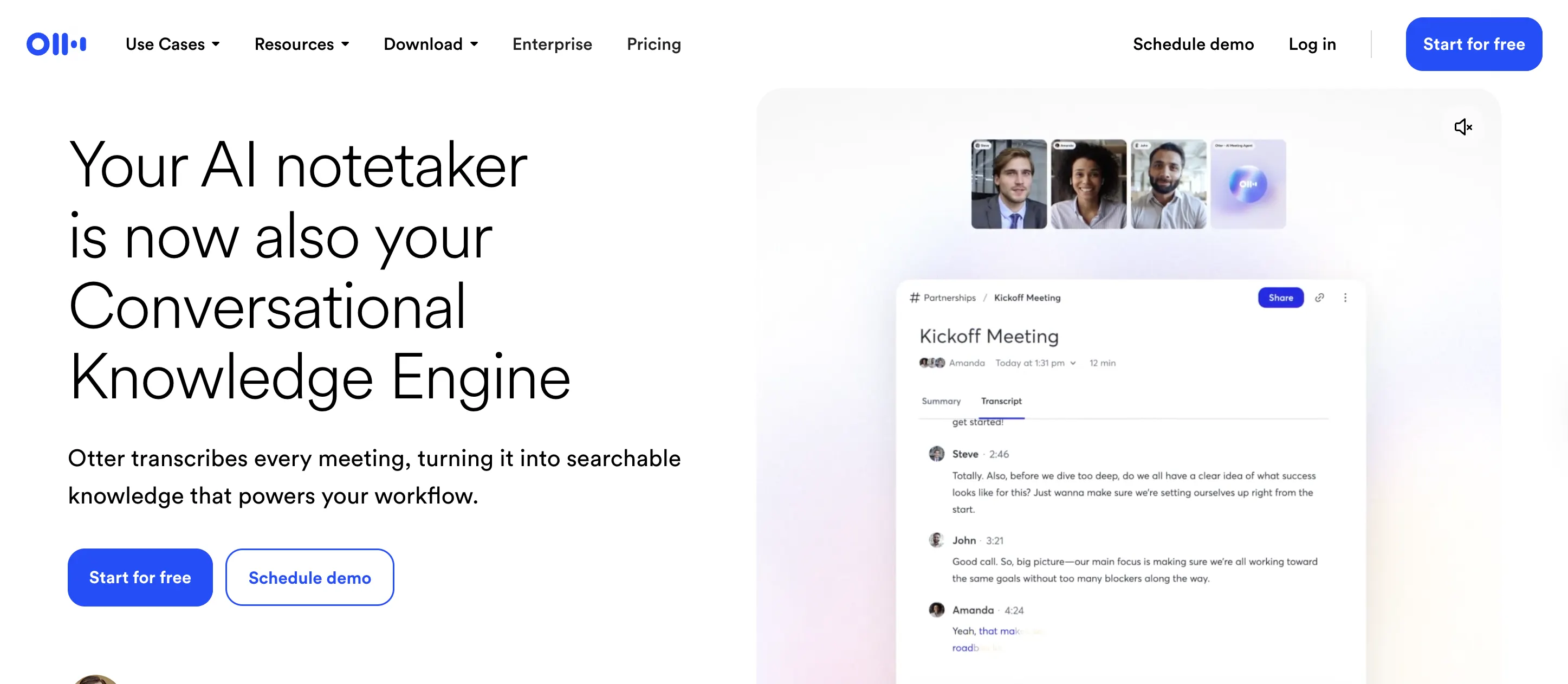
Best for: Individuals and small teams that need real-time transcription and meeting summaries for general business use.
What it automates: Otter transcribes meetings in real time, generates summaries and action items, and integrates with Zoom, Google Meet, and Teams. OtterPilot auto-joins scheduled meetings. A chat feature lets users ask questions about meeting content after the call.
Key features:
- Real-time transcription with speaker identification
- AI summaries and action item extraction
- OtterPilot for automated meeting attendance
- Shared custom vocabulary for teams
- Integrations with Zoom, Google Meet, Teams, and Salesforce
Pricing: Free (300 transcription minutes/month, 30 minutes max per conversation). Pro: $8.49/user/month (annual; 1,200 minutes/month, 90 minutes max per conversation). Business: $24/user/month (unlimited meetings and recordings, up to 4 hours per conversation). Enterprise: custom. Salesforce and HubSpot integrations are available on Pro but subject to user limits (1 user on Pro, 5 on Business, unlimited on Enterprise).
Pros:
- Lowest price point for basic real-time transcription
- Clean interface that works for sales and non-sales teams alike
- Both Salesforce and HubSpot integrations available from Pro plan up
Cons:
- CRM integrations on Pro are capped at 1 user; you need Business ($24/user/month) to get meaningful team-level CRM sync
- No purpose-built revenue team features: no call scoring, deal tracking, or revenue-specific templates
- No Pipedrive native sync
During the meeting: side-by-side comparison
Post-meeting: CRM sync, follow-ups, and action items
This is where most B2B teams lose the most time. After every call, reps are expected to update CRM fields, write follow-up emails, assign action items, and log notes. That routine takes 30-45 minutes per meeting. For a rep running 5 meetings a day, that's 2.5-3.5 hours of non-selling time daily. Roughly 10-15 hours per week, per rep, before accounting for pipeline reviews, forecasting calls, and internal reporting. Our sales automation guide quantifies the time cost in detail.
2 distinct layers of automation apply here: (1) generating summaries and action items from meeting content, and (2) syncing that content to the CRM at the field level. Most tools handle layer 1 fine. Layer 2 requires either a tool with deep native CRM sync or a workflow automation layer that bridges the gap.
Fireflies.ai (post-meeting capabilities)
Fireflies is covered in the during-meeting section above. Its post-meeting value is the output it produces: AI summaries with extracted action items that can be pushed to a CRM or shared with teammates. The CRM integration on Business and Enterprise plans sends summary text and action items to Salesforce, HubSpot, and Pipedrive records.
The limitation is that Fireflies maps summary notes to CRM contact or deal records, but doesn't update specific CRM fields (deal stage, close date, next steps, custom fields) based on what was discussed. That level of CRM sync requires either a deeper integration or a separate tool.
Scratchpad
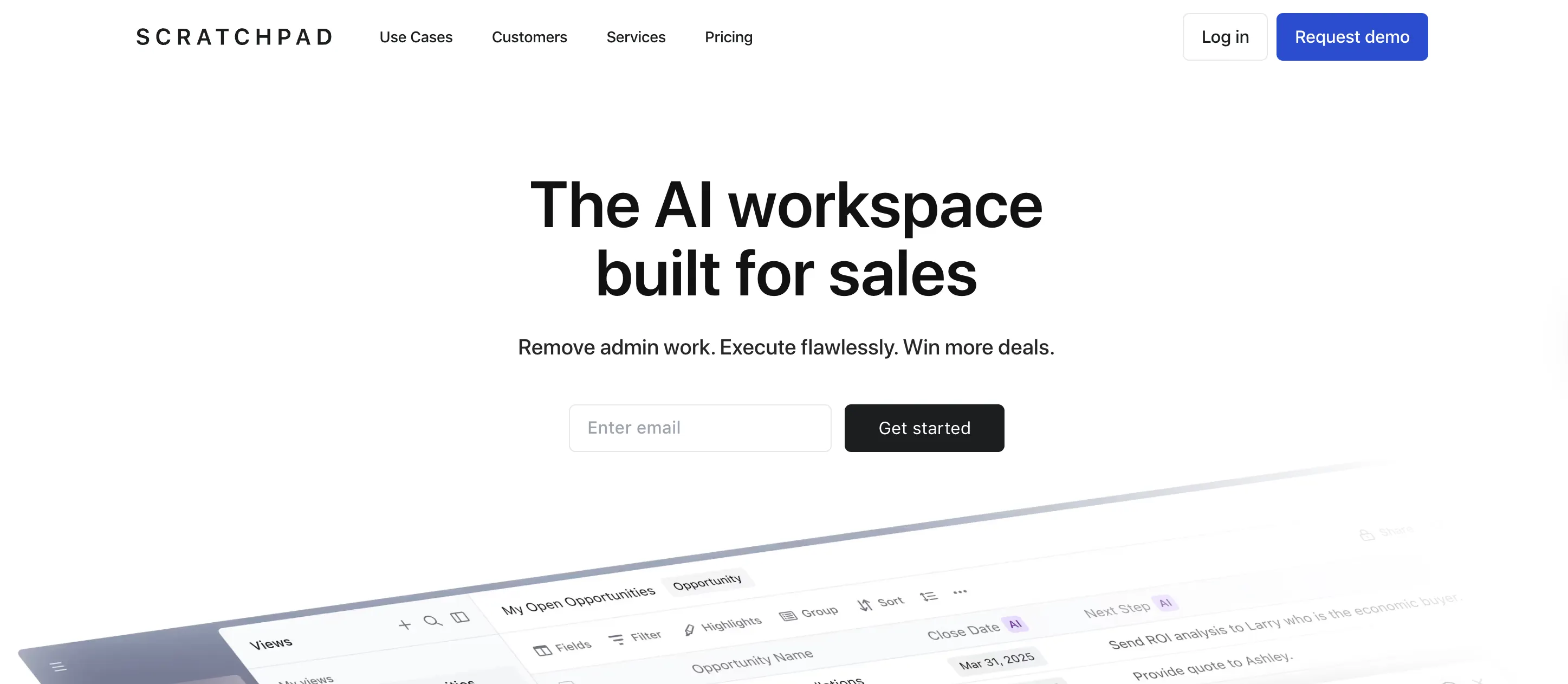
Best for: Salesforce teams that want a faster, less painful CRM update experience without replacing their meeting tool.
What it automates: Scratchpad isn't a meeting tool. It sits on top of Salesforce and makes CRM updates faster: a sidebar that lets reps update deal fields, log notes, and manage pipeline without navigating between Salesforce tabs. It also automates pipeline hygiene alerts (stale deals, missing fields, overdue tasks) and can push notes directly into Salesforce records.
Key features:
- Salesforce-native interface for faster CRM field updates
- Pipeline hygiene rules and automated alerts for missing data
- Kanban and list views for pipeline management without leaving Salesforce
- Notes and action items synced directly to Salesforce records
- Templates for call notes and deal reviews
Pricing: Free for individuals (limited features). Teams: $19/user/month (annual). Enterprise: custom. Requires Salesforce.
Pros:
- Reduces CRM update friction significantly for reps who resist manual data entry
- Pipeline hygiene automation catches data quality issues before they become forecasting problems
- Zero migration required: it works on top of an existing Salesforce setup
Cons:
- Salesforce only. No HubSpot, Pipedrive, or other CRM support
- Doesn't automate CRM updates from meeting content: reps still make the updates, just faster
- Full value requires team adoption, which varies
Zapier
Best for: Teams running separate meeting and CRM tools that need a workflow automation layer to chain post-meeting actions without code.
What it automates: Zapier connects applications and triggers automated workflows (called Zaps) when an event occurs. For post-meeting automation, a Zap can chain: meeting transcript generated in Fireflies > CRM deal record updated in HubSpot > follow-up task created in the rep's task manager > Slack notification sent to the manager. Each step triggers automatically from the previous one.
Key features:
- 7,000+ app integrations including all major CRMs, meeting tools, and engagement platforms
- Multi-step workflow automation (Zaps) triggered by events
- Filters, conditional logic, and data transformation within workflows
- No-code builder with templates for common sales workflows
- Team workspaces with shared automation libraries
Pricing: Free (100 tasks/month, single-step Zaps only). Professional: $19.99/month (annual). Team: $69/month (annual). Enterprise: custom.
Pros:
- Bridges gaps between any 2 tools that don't integrate natively
- Can automate complex multi-step post-meeting workflows without engineering resources
- Extensive template library for common sales use cases
Cons:
- Requires workflow design knowledge to get value out of it
- Costs scale with task volume; complex automations across a large team add up
- Only as good as the data coming from the source tool: if the Fireflies summary is weak, the downstream Zap is too
Post-meeting: side-by-side comparison
Ongoing and cross-cycle: coaching, scoring, and forecasting
The ongoing stage covers automation that runs across individual meetings and entire sales cycles: call scoring, coaching feedback, deal inspection, pipeline reporting, and revenue forecasting. Our sales automation guide describes this stage in detail.
Traditional coaching and forecasting depend entirely on manager time. Managers listen to selected calls, score them manually, and build forecasts from CRM fields that reps fill in by hand. The tools in this category cut that dependency.
The quality of output here depends heavily on what was captured upstream. Coaching tools that only see incomplete CRM data produce incomplete insights. Forecasting platforms that rely on rep-entered pipeline stages produce forecasts that reflect rep optimism, not deal reality. What goes in determines what comes out.
Gong
Best for: Enterprise sales organizations that need deep conversation analytics, revenue intelligence, and deal forecasting at scale.
What it automates: Gong records and analyzes sales calls to surface patterns in rep behavior, deal progression, and buyer engagement. It tracks keywords, topics, and talk ratios across large call volumes and surfaces coaching insights for sales leaders. Deal intelligence features identify at-risk opportunities based on conversation signals. Revenue forecasting (Gong Forecast) and outbound engagement (Gong Engage) extend the platform beyond call analytics.
Key features:
- Conversation analytics with keyword, topic, and sentiment tracking
- Deal intelligence and pipeline risk identification
- Revenue forecasting (Gong Forecast)
- Sales engagement automation (Gong Engage)
- Coaching workflows and call libraries for enablement
Pricing: Custom pricing only. Core: ~$1,300-$1,400/user/year. Bundled (Core + Engage + Forecast): ~$2,900-$3,000/user/year. Platform fee from $5,000/year. Annual contracts only.
Pros:
- Deep analytics and pattern recognition across high call volumes. Teams with 50+ reps recording hundreds of calls weekly get disproportionate value from the aggregated insight layer
- Expanding into engagement (Gong Engage) and forecasting (Gong Forecast), reducing the need for separate tools at those stages
- Large customer base means extensive integration support and a mature feature set
Cons:
- Platform fee plus per-seat pricing puts it out of reach for most SMB teams
- No public pricing and no self-serve option
- Built primarily for sales leadership dashboards; some teams find rep adoption slower than manager adoption
Clari
Best for: Revenue operations and sales leadership teams that need accurate pipeline forecasting based on real deal signals, not rep self-reporting.
What it automates: Clari aggregates deal signals from CRM activity, email engagement, meeting cadence, and conversation data to produce revenue forecasts that don't depend on what reps say in pipeline reviews. It identifies deal risk automatically based on engagement patterns: if a champion has gone quiet, if a multi-stakeholder call hasn't happened, or if a close date has slipped repeatedly, Clari surfaces those signals before the deal falls out of the forecast.
Key features:
- AI-powered revenue forecasting based on deal activity signals
- Deal inspection with engagement and conversation data
- Pipeline analytics and trend tracking
- CRM integrations with Salesforce and HubSpot
- Conversation intelligence (Clari Copilot) for call recording and coaching
Pricing: Custom pricing. Estimated starting range: $1,200-$1,500/user/year for the forecasting module. Conversation intelligence (Copilot) is an add-on. Annual contracts required.
Pros:
- Forecasting based on actual deal engagement signals. Teams that previously missed quarterly targets by 15-20% due to inflated pipeline often see measurable improvement in forecast accuracy within one quarter
- Deal risk identification catches at-risk opportunities before they fall out of the forecast
- Built for the RevOps team responsible for forecast accuracy, not just the sales leader who reads the number
Cons:
- Enterprise pricing excludes most SMB teams
- Limited data inputs produce limited forecast accuracy: it needs deep CRM and engagement data to work well
- Conversation intelligence (Clari Copilot) is a separate add-on, not bundled with the forecasting module
Ongoing and cross-cycle: side-by-side comparison
All-in-one platforms vs. stacking point solutions
Every tool reviewed above covers one part of the meeting lifecycle. A team running the full stack manages separate subscriptions for scheduling, enrichment, sequencing, recording, CRM sync, and coaching, each with its own integration to maintain, its own vendor contract, and its own data format.
Why some teams choose an all-in-one platform
The case for consolidating isn't just cost. It's data continuity. When scheduling, recording, CRM sync, and coaching run on separate tools, each system holds a fragment of what happened in the meeting. The coaching tool doesn't see what the CRM tool pushed. The forecasting layer pulls from multiple sources and can't always reconcile them. RevOps ends up managing integration breakpoints rather than improving the process itself.
Teams that consolidate trade specialized depth at individual stages for complete, unbroken data flow across all of them. Whether that's worth it depends on how many stages you're actively automating and how much RevOps capacity you have to maintain integrations between point solutions.
Before locking in a stack, it's worth evaluating whether a platform that connects all 4 stages makes more sense for your team size and RevOps capacity.
Avoma
Disclosure: Avoma is the product of the company that publishes this article. It's reviewed separately from the point solutions above because it covers all 4 stages of the meeting lifecycle, not just one. Genuine limitations are included alongside capabilities.
Best for: B2B revenue teams of 10-200 reps that run 5+ meetings per day and want to automate the full meeting lifecycle without managing multiple point solution integrations.
What it automates across all 4 stages:
Pre-meeting: Avoma handles meeting scheduling and lead routing through a built-in scheduler and Lead Router add-on. Reps share booking links, prospects self-schedule, and inbound leads are routed to the right rep based on territory or round-robin rules. The Lead Router handles form-fill-to-booking flows similar to Chili Piper, built into the same platform that manages the rest of the meeting lifecycle.
During the meeting: Avoma joins calls automatically and records, transcribes, and generates AI notes in real time. It supports live bookmarking, where reps can flag key moments (objections, pricing discussions, competitor mentions) during the call for faster post-meeting review. Smart trackers monitor specific keywords and topics across all calls.
Post-meeting: Avoma syncs meeting data directly to CRM deal records at the field level, 2-way, for Salesforce, HubSpot and many other CRMs. It generates AI follow-up email drafts from meeting context and extracts action items with ownership and due dates. Avoma maps specific meeting outcomes to specific CRM fields automatically, which is the layer most transcription tools don't reach.
Ongoing: Avoma scores calls automatically against custom rubrics the team defines. Managers get coaching scorecards for every call without listening to recordings. Topic and keyword tracking surfaces patterns across calls: which objections come up most, where deals stall, how top performers handle pricing discussions. Ask Avoma, an AI copilot, lets reps and managers query all meeting data in plain language ("which deals haven't had a multi-stakeholder call?" or "what objections are coming up most in late-stage deals?").
Key features:
- Scheduling and lead routing
- Recording, transcription, and live bookmarking
- AI meeting notes and summaries
- Automatic 2-way CRM field sync (Salesforce, HubSpot)
- AI follow-up email drafts and action item extraction
- AI call scoring with custom rubrics
- Coaching scorecards and team-wide topic tracking
- Deal intelligence and conversation signals
- Ask Avoma AI copilot
Pricing: Base plan plus add-on modules. Conversation Intelligence: $29/recorder seat/month. Revenue Intelligence: $39/recorder seat/month. Lead Router: $19/recorder seat/month. 14-day free trial, no credit card required.
Pros:
- One platform replaces Calendly + Fireflies + Scratchpad + Gong for meeting lifecycle automation
- Meeting data flows between stages in the same system: coaching insights draw from the same records as CRM sync, with no manual export or integration required
- Purpose-built for revenue teams, and general meeting use
- Self-serve onboarding and modular pricing: pay for what you use
- Accessible pricing relative to enterprise conversation intelligence tools
Cons:
- Routing logic is less specialized than Chili Piper for teams with very high inbound volumes and complex territory rules
- Conversation Intelligence and Revenue Intelligence are add-on modules, not included in the base plan
When to consolidate vs. when to stack
Point solutions make sense when you need specialized depth at one stage and have dedicated RevOps capacity to manage integrations. A team running Chili Piper for complex inbound routing is solving a specific problem that may justify a standalone tool.
A platform makes sense when data continuity across stages matters more than specialized depth at any single stage. When scheduling, recording, CRM sync, and coaching share the same data layer, each stage's output feeds the next automatically, with no export, no reconciliation, no integration maintenance.
Here's what a typical stack comparison looks like for a 20-person B2B sales team:
The math varies by team size, plan selection, and which tools you actually use. The operational cost (integration maintenance, RevOps time, context loss between stages) is harder to quantify but real.
For teams under 20 reps with limited RevOps capacity, consolidating the meeting lifecycle into one platform typically makes more sense than managing a multi-tool stack. For teams over 50 reps with dedicated RevOps and specific enterprise requirements at individual stages, a specialized stack may still be justified, particularly for the prospecting and outreach stages where the workflows are less dependent on shared meeting data.
Where to start
The sales automation tools in this article solve real problems. But the right starting point is which stage of your meeting lifecycle is costing your team the most time right now.
If it's scheduling, start with Calendly. If it's CRM updates after every call, Scratchpad or a tool with field-level sync is the bottleneck. If it's all of it, that's when it's worth looking at whether a platform approach makes more sense than stacking 4 separate tools.
Avoma covers all 4 stages in one system: scheduling, recording, CRM sync, and coaching. If your team runs 5+ meetings a day and you're tired of managing integrations between tools that don't talk to each other, it's worth seeing it in action.
Book a demo with Avoma to see how the meeting lifecycle automation works end to end.
Frequently Asked Questions
Sales automation focuses on reducing manual work across activities such as scheduling, prospecting, outreach, meeting documentation, and forecasting. CRM automation focuses specifically on managing customer records, updating fields, assigning tasks, and maintaining data quality inside a CRM. Many sales automation tools integrate with CRMs, but not all automation tools are CRM platforms. The two categories often overlap but solve different operational problems.
The number depends on team size, workflow complexity, and internal resources. Smaller teams often use a few connected tools or an all-in-one platform, while larger organizations may operate separate solutions for scheduling, prospecting, outreach, conversation intelligence, CRM management, and forecasting. The tradeoff is usually between specialized functionality and the operational effort required to maintain integrations between systems.
Yes. Many sales automation platforms reduce missing or outdated records by automatically capturing meeting information, syncing activity data, creating tasks, and updating records. However, the level of automation varies significantly. Some tools only add meeting summaries, while others can update specific CRM fields, track pipeline changes, and enforce data hygiene rules that improve reporting and forecasting accuracy.
The best starting point is usually the workflow creating the most repetitive manual effort. For some teams that is scheduling and lead routing. For others it is prospect research, follow-up emails, CRM updates, or meeting documentation. Prioritizing the largest time drain typically produces faster adoption and clearer return on investment than attempting to automate every sales activity simultaneously.
Yes. Smaller teams often benefit because they have limited administrative support and fewer resources to handle repetitive work. Automation can help reduce time spent on scheduling, note-taking, data entry, and follow-up tasks. The key is selecting tools that are easy to implement and provide value without requiring extensive configuration, dedicated operations staff, or long implementation projects.
No. These tools are designed to automate repetitive administrative tasks rather than relationship-building activities. Sales representatives still handle discovery conversations, negotiation, stakeholder management, and strategic decision-making. Automation is most effective when it supports salespeople by reducing manual work, allowing more time for customer interactions and revenue-generating activities.
Sales automation depends heavily on data quality, integration accuracy, and workflow design. Poor CRM data, incomplete meeting records, or poorly configured automations can create inaccurate reports and unreliable forecasts. Some tools also automate only part of a process, requiring manual intervention to complete workflows. Automation can improve efficiency, but it does not eliminate the need for oversight and process management.
All-in-one platforms prioritize unified workflows and shared data across multiple stages of the sales process. Point solutions focus on solving a specific problem with greater depth. Organizations often choose point solutions when they need specialized functionality, while teams seeking simpler administration and fewer integrations may prefer a platform approach. Avoma is an example of a platform that spans multiple stages of the meeting lifecycle.
Some can. Forecasting-focused platforms analyze CRM activity, meetings, engagement signals, and pipeline movement to identify deal risk and estimate future revenue. The accuracy of forecasts depends on the quality and completeness of the underlying data. Tools that capture information automatically throughout the sales process may provide more reliable forecasting inputs than systems that rely primarily on manual updates.
Results vary based on the workflow being automated. Scheduling automation and meeting documentation often produce immediate time savings because they eliminate repetitive tasks. More advanced initiatives such as forecasting, coaching, and pipeline analytics may require several weeks or months of consistent data collection before meaningful insights appear. Adoption rates and process consistency also influence how quickly value becomes visible.


Dive into Our Latest
Avoma Insights.


What's stopping you from turning every conversation into actionable insights?


